
 Moloco
 Unity Ads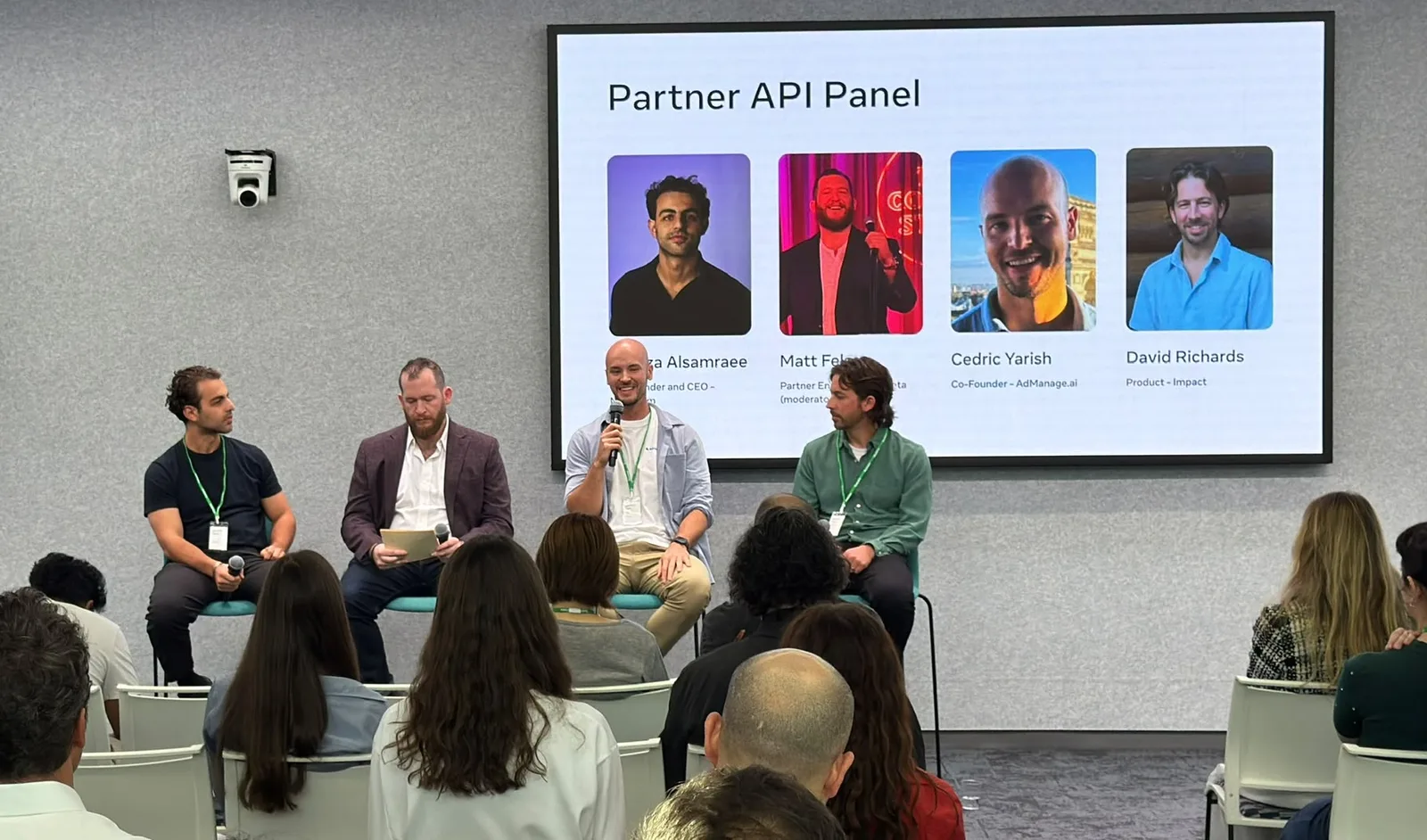
Saved setup
Your naming. Your defaults.
Reuse naming conventions, copy and UTMs so each batch starts with your account’s setup.
Explore naming conventions →
Bulk launch ads to Meta, TikTok, Google and 12 more channels. Report on every ad in one place, make new creative with AI, and find ideas in a 13.5M+ ad library.
 SOC 2 Type IIAudit in progress




1,300+ teams launch with AdManage, including








Our co-founder Cedric Yarish, invited by Meta to talk about building on its Marketing API, alongside Meta Partner Engineering.
Featured on Meta for Developers ↗Your team still has to match placements, check links, apply naming and get every ad ready for review. Save the repeatable setup so the next batch takes less manual work.
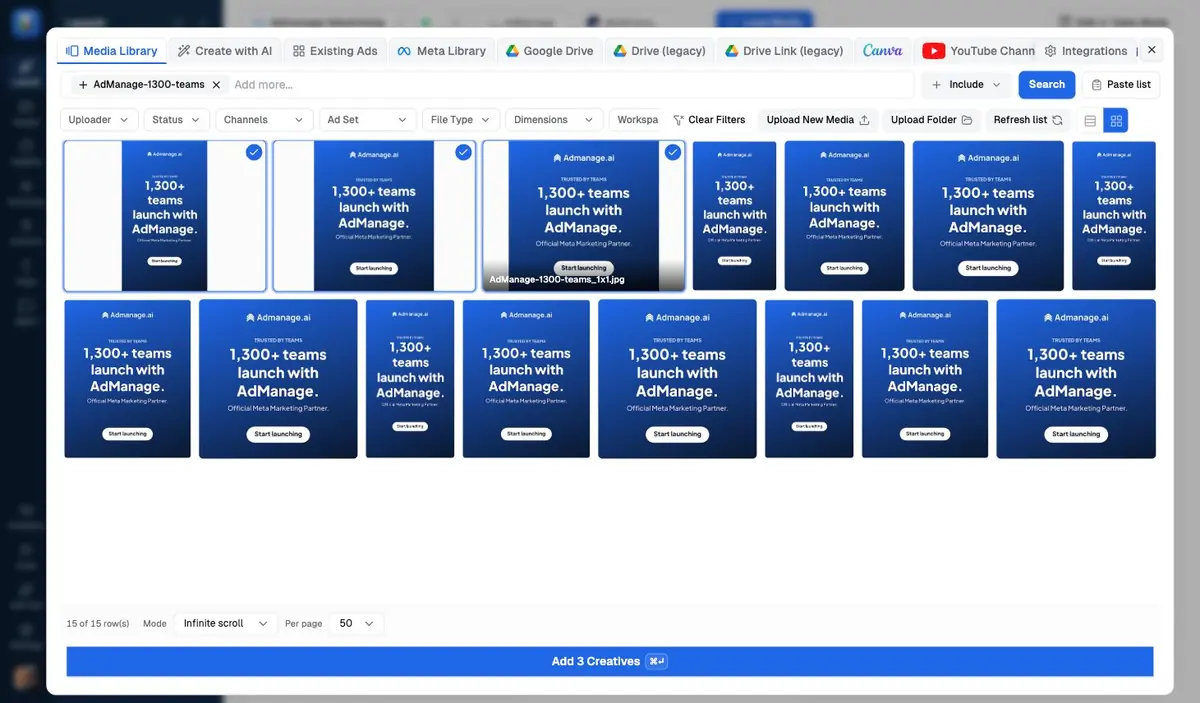
Click Load Media to select images and videos from your library, or bring files in from Drive, Dropbox and your other connected sources. Select the creatives, then add them to your batch.
Your original files stay in your library, ready to use again.











Keep the team’s standards in the workflow, from the first ad name to the client preview.
Reuse naming conventions, copy and UTMs so each batch starts with your account’s setup.
Explore naming conventions →Review creative enhancements in one place and save your choices as the default for future launches.
Explore enhancement controls →Share a preview link with your client so they can review the creative and copy before you launch.
Explore client preview links →9:16, 4:5 and 1:1 versions pair up into one ad by themselves.
Status, budgets, copy and URLs on hundreds of ads at once.
Copy ads, ad sets and campaigns, even into another ad account.
Relaunch existing posts and creator ads without losing social proof.
One batch, many countries, each with its own copy.
Carousel, flexible, collection, catalog, lead form and app ads.
New files in a Drive or Dropbox folder show up ready to launch.
Admin, launcher, editor or view-only, per client.
Prepare a batch now, launch it when the sale starts.
Sheets and CSV import are also available for batch preparation.
Explore Google Sheets launching →Features by channel
Explore the formats, launch settings and account tools available for each channel. Every guide includes its own setup steps and availability notes.
Prepare Facebook and Instagram creative batches with saved naming, enhancement controls and client previews.
Prepare video, carousel, and Spark creative in one batch, then launch into compatible standard or Smart+ ad groups with the right TikTok identity and tracking.
Build Snapchat batches around web, app, Story, Collection, and Sponsored Snap workflows, with the profile, destination, and creative fields each ad squad requires.
Prepare standard image Pins, video Pins, and image carousels with board selection, destination links, and reusable launch settings for Pinterest campaigns.
Launch Reddit image, video, and text ads from a shared creative batch, with Reddit-specific headlines, destinations, tracking, and campaign setup.
Build promoted posts, website cards, and app cards for X, then launch into existing ad groups or create a campaign structure from the same workspace.
Prepare LinkedIn single image, video, and carousel ads, promote company posts, and attach lead forms with campaign and creative controls built for B2B teams.
Build Search ads, prepare Performance Max asset groups and manage image, video and app assets from one workspace. Each workflow follows the requirements of its campaign type.
Launch native image and motion ads with their headlines, destinations and tracking details. Create a campaign or send creative batches to existing Taboola campaigns.
Build App Store search campaigns, organize keywords and manage bids in one workspace. Start campaigns paused, review results and make bulk changes with a preview of what will change.
Prepare image ads and product catalog templates, select campaign destinations and review launches from your AdManage workspace. Connect an eligible advertiser account with its Ads Manager API key to get started.
Build AppLovin creative sets from your videos and end cards, then launch them across selected campaigns with the naming, destinations, and creative targeting you need.
Upload video, image, and playable assets, build creative sets, and send them to selected offers for one promoted app.
Build creative groups from videos and images, add the right end cards, and attach each group to multiple Moloco ad groups promoting the same app.
Turn portrait and landscape videos into creative packs, pair each pack with an image or playable end card, and launch across campaigns for the same app.
The football-first subscription brand centralised launches, standardised naming across markets, and scaled to 1,000+ ads a month without adding headcount.
See how Shirt in a Box runs its launch workflow“AdManage completely changed how we launch Meta at scale. We now ship to two markets in a fraction of the time it used to take, without extra hires.”
 Rory McLaughlanFounder and CEO, Shirt in a Box
Bring your connected accounts into one workflow. Formats, reporting and automation actions vary by channel.
Every connected ad account in one menu. Your naming and templates come with you.
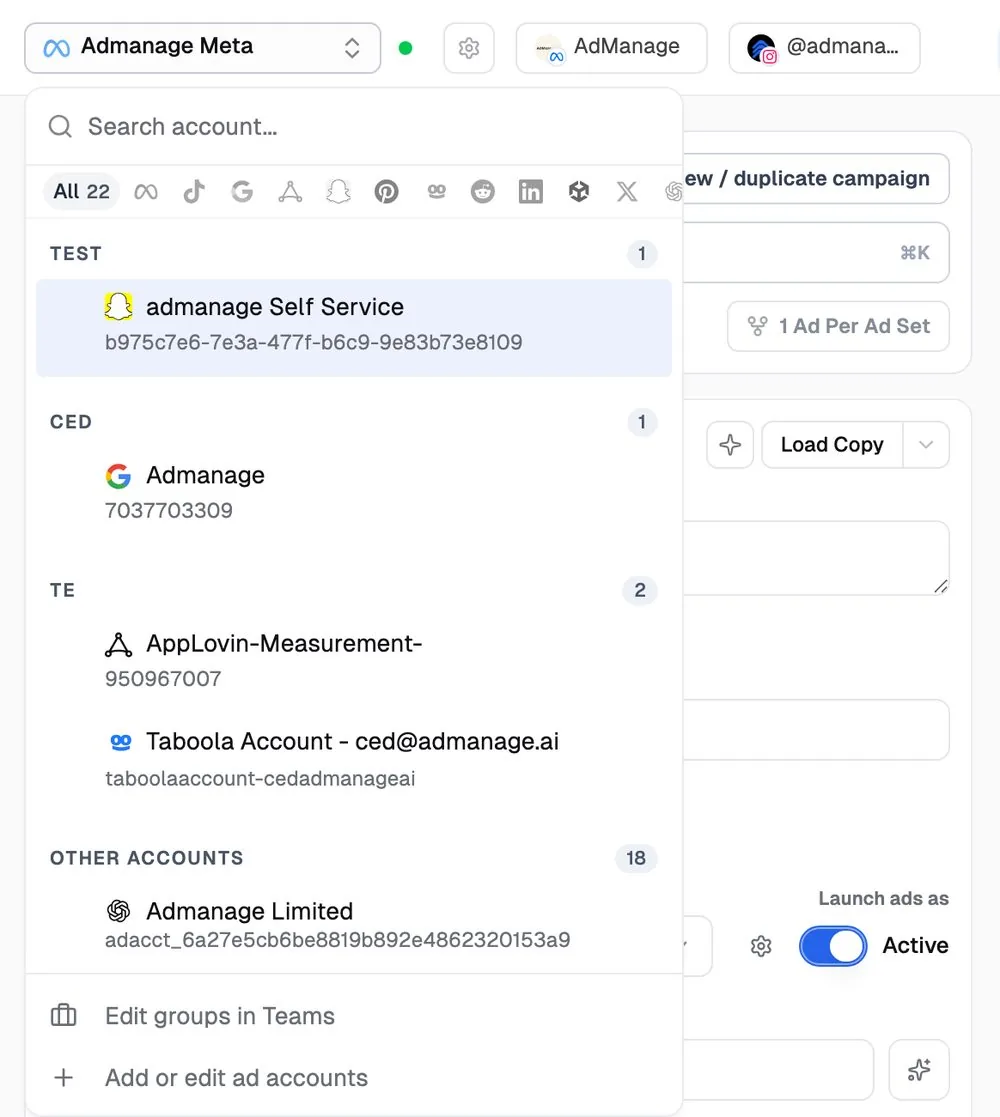
Bring these accounts into one dashboard and share a report with one link.
Pause losers, scale winners and hide bad comments while you sleep. Essential includes one Meta monitoring or comments rule; performance automations start on In-House.
Explore automation coverage →Review creative results, research the next test and manage comments and rules alongside your launches.
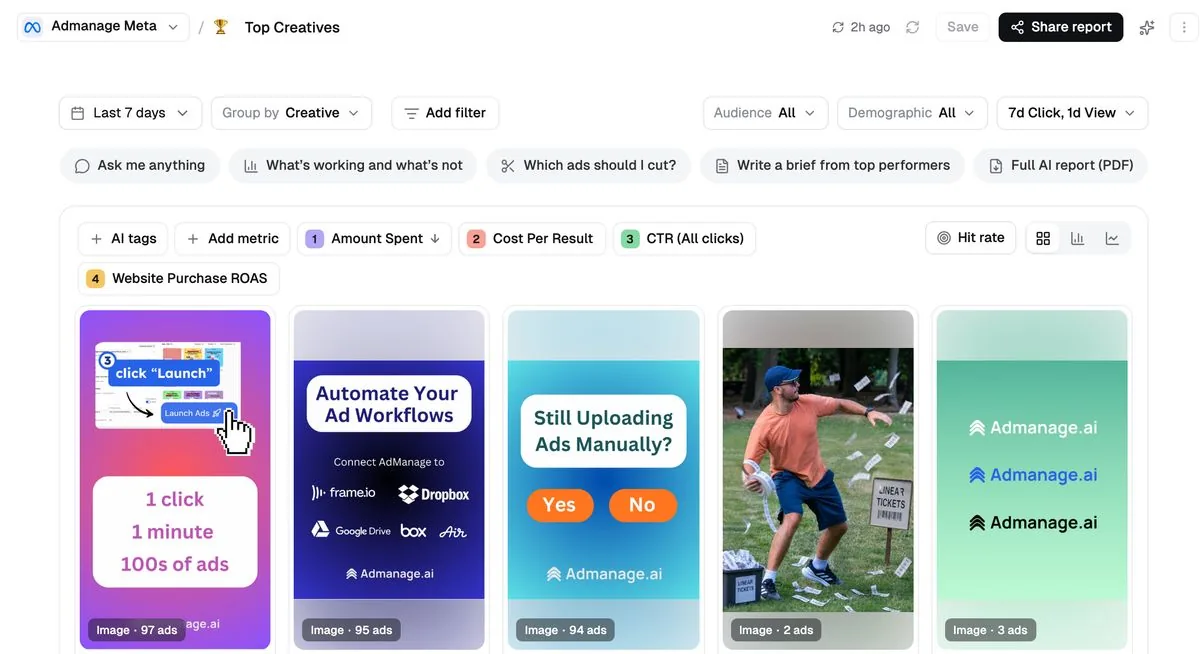
Compare creative performance across Meta, TikTok and Google, side by side. Ask AI why a winner won.
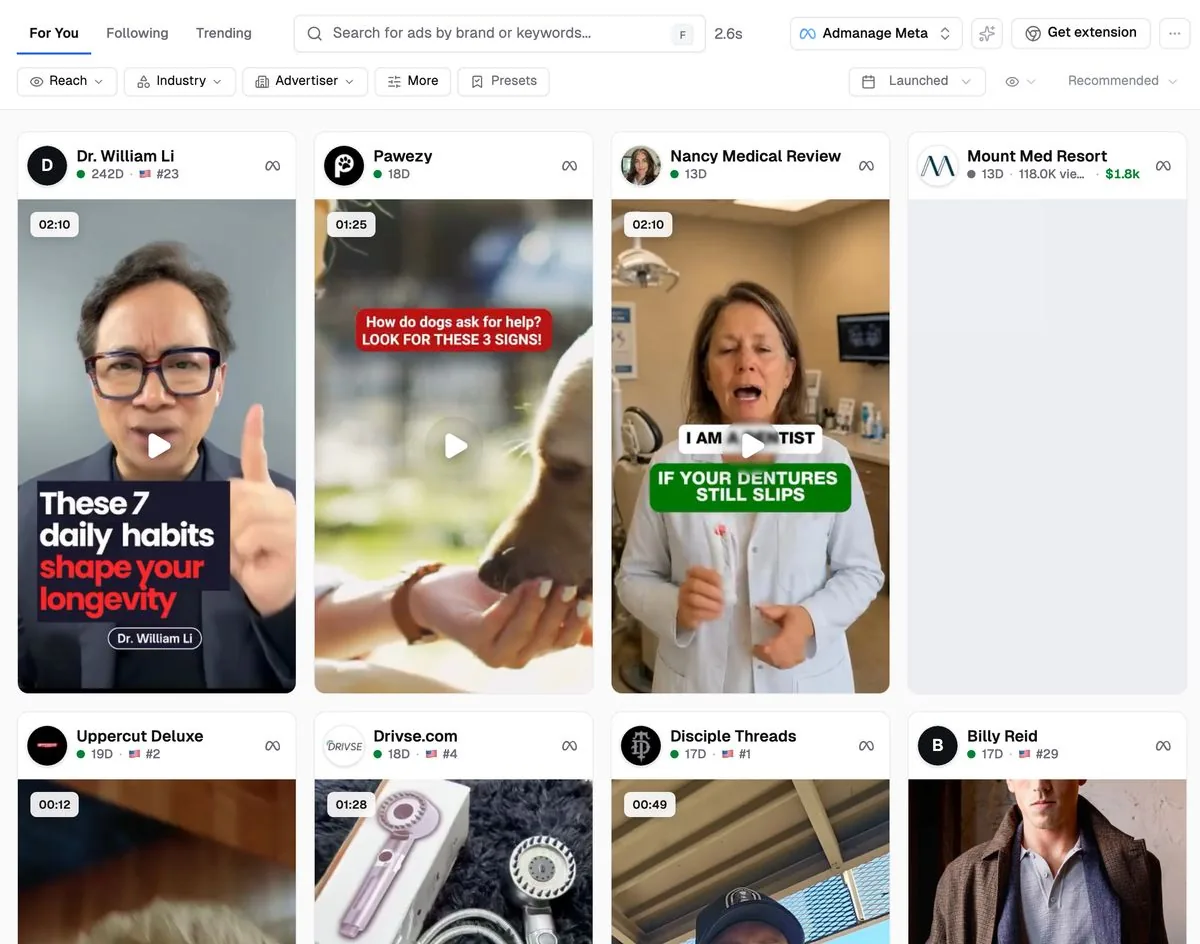
13.5M+ ads. Search any brand, follow them, save the best.
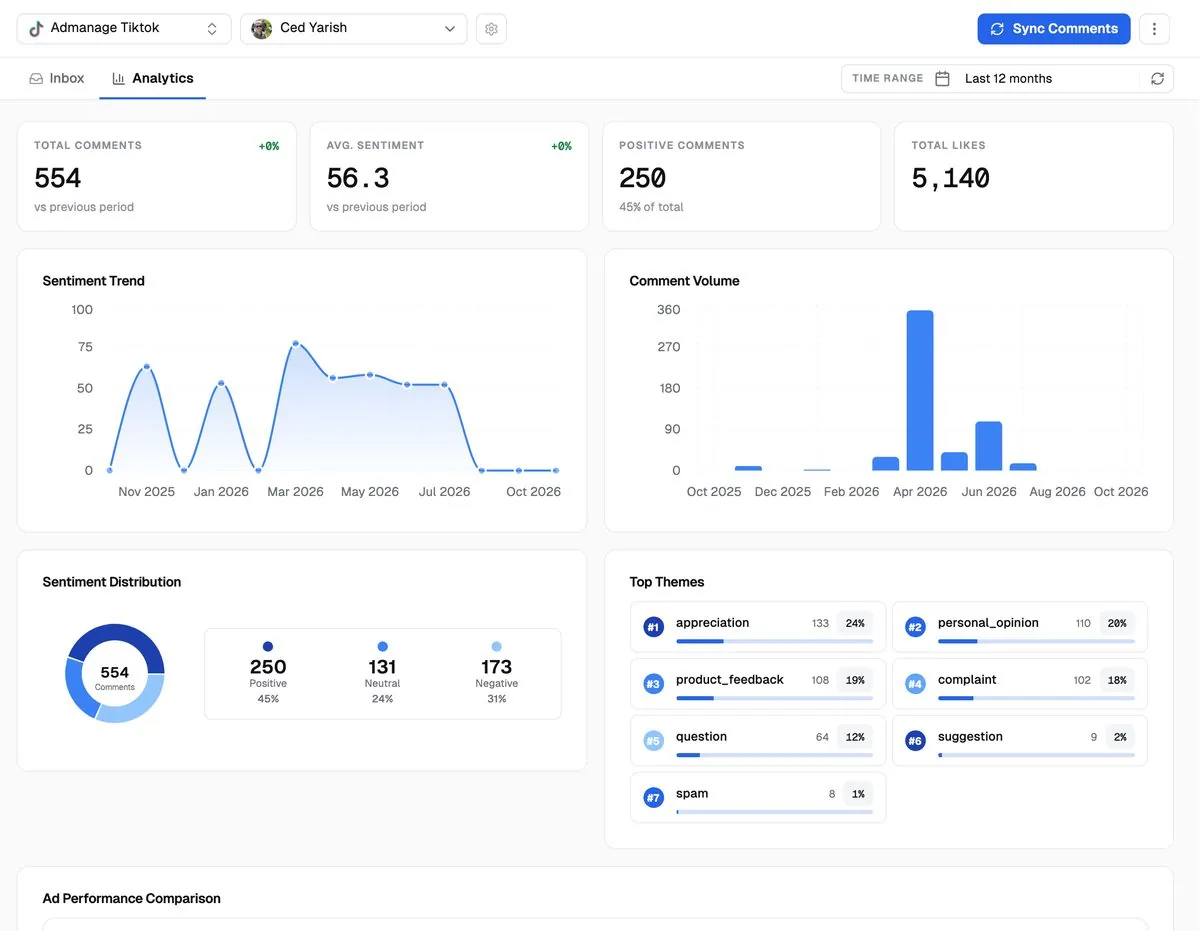
Read comments across Facebook, Instagram and TikTok. Reply and moderate automatically on Facebook and Instagram.
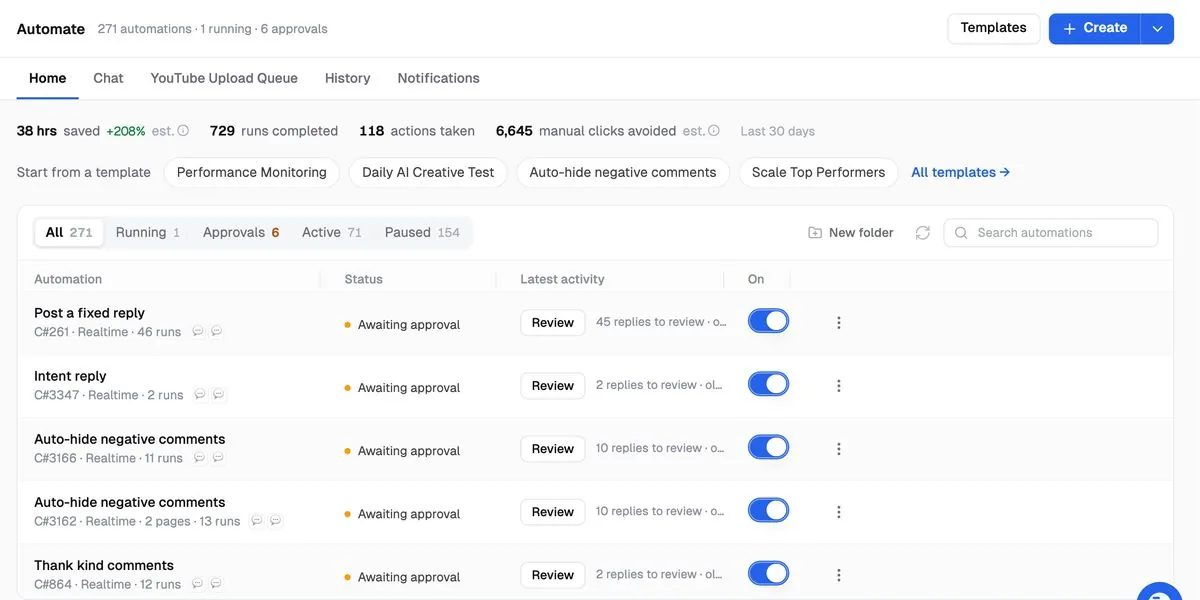
Pause losers and scale winners on a schedule. Start with Meta monitoring and comment rules; performance workflows come with In-House and above.
Find ideas in AdScan, make variations with Ada and prepare a draft for review. Connect AdManage MCP to work with your drafts and accounts from Claude or ChatGPT.
“Prepare a draft from the approved creatives in my Drive folder. Use this account’s naming and UTM defaults, group the placement sizes, and show me the batch. Don’t publish yet.”
Try a brief like this in Claude or ChatGPT after connecting AdManage.
Launch, reports, AdScan, comments and monthly AI credits from £199.99. More accounts and performance automations from £499.99.
per month to start. Unlimited launches, with no percentage of ad spend.
This is an illustrative separate-tool stack, not a like-for-like feature benchmark. Specialist tools can go deeper; keep the ones your team needs.
At $50k/mo ad spend, billed monthly
Each tool's list price on monthly billing for the plan that includes the job, checked 28 Oct 2026, converted at £1 = $1.3288 = €1.1935 on that date and rounded to the nearest £10. Features and allowances differ; this is not a claim of exact product equivalence. AdManage has no ad spend cap and takes no % of spend. Essential includes 1 ad account on any supported channel and 1 Meta monitoring or comments automation. In-House includes 5 accounts and 10 automations. AI generation uses monthly credits.
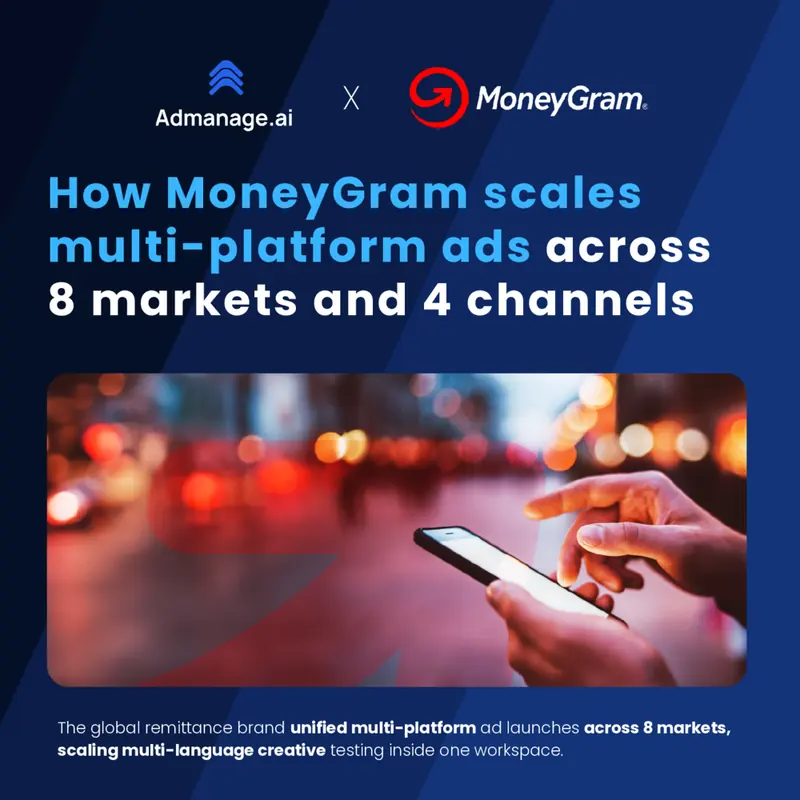
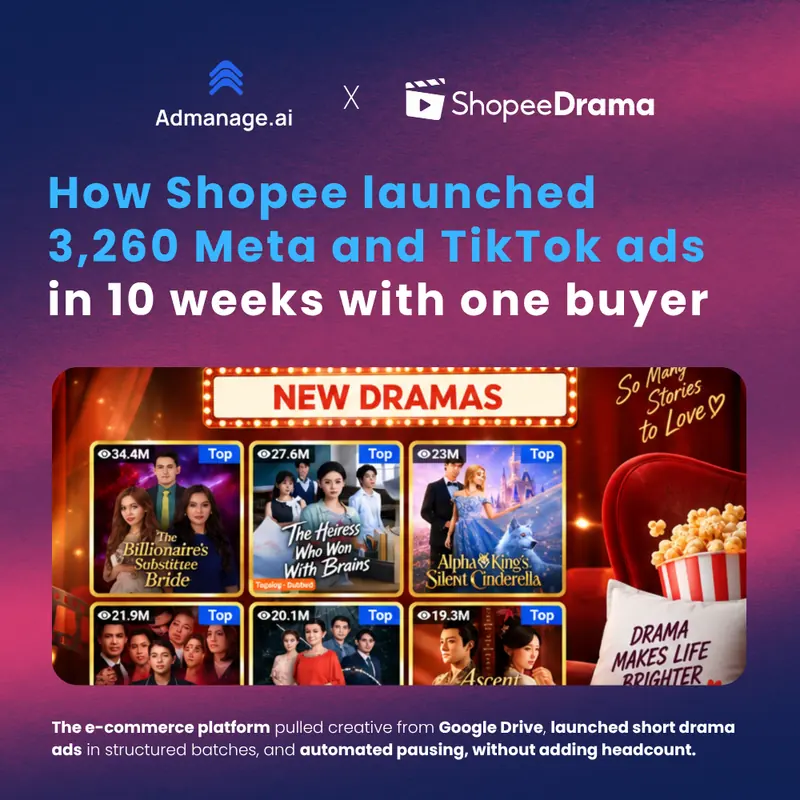

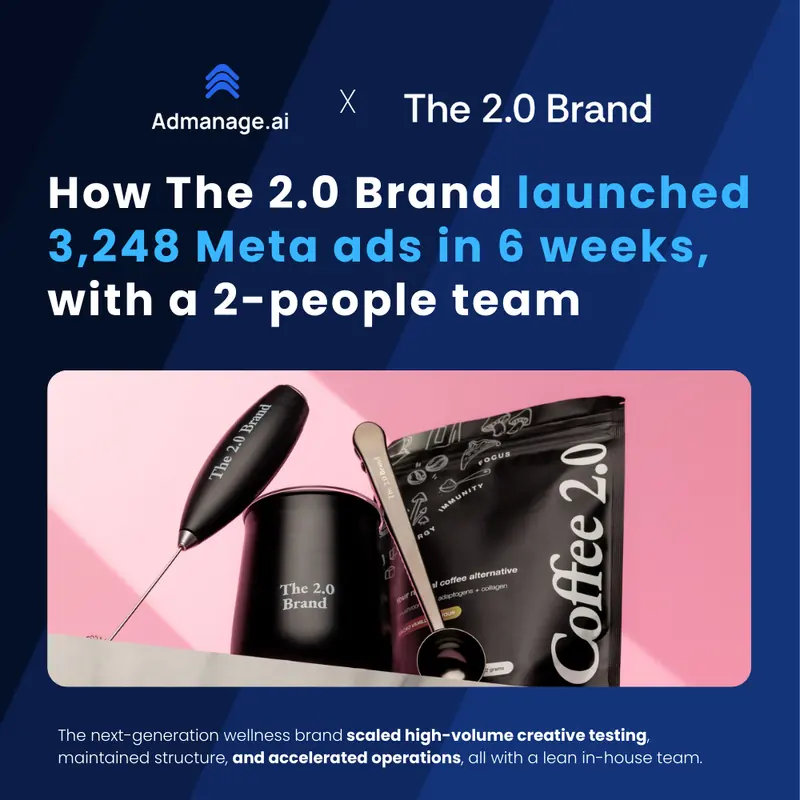

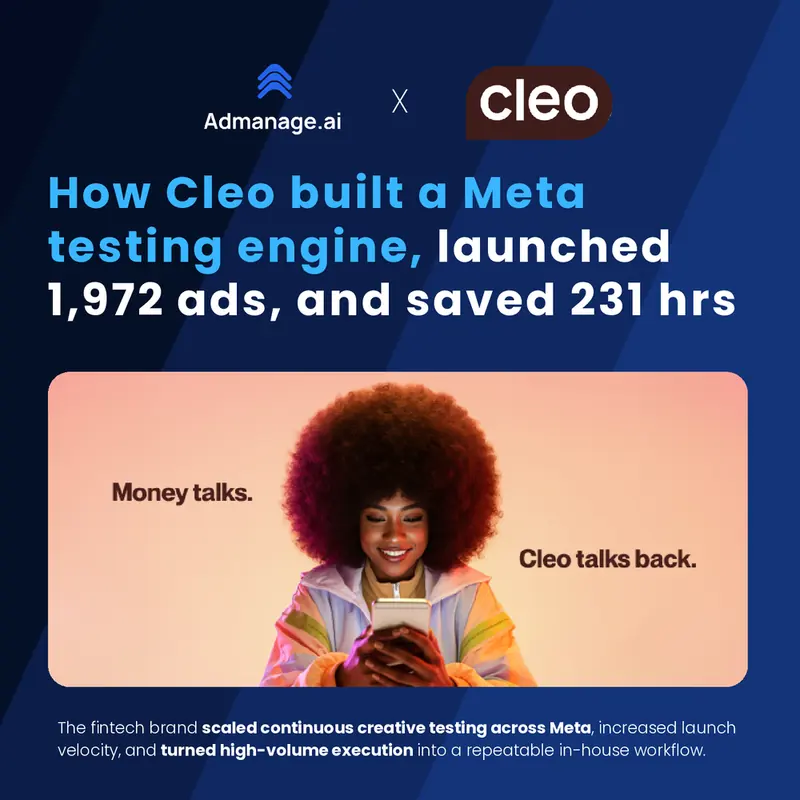

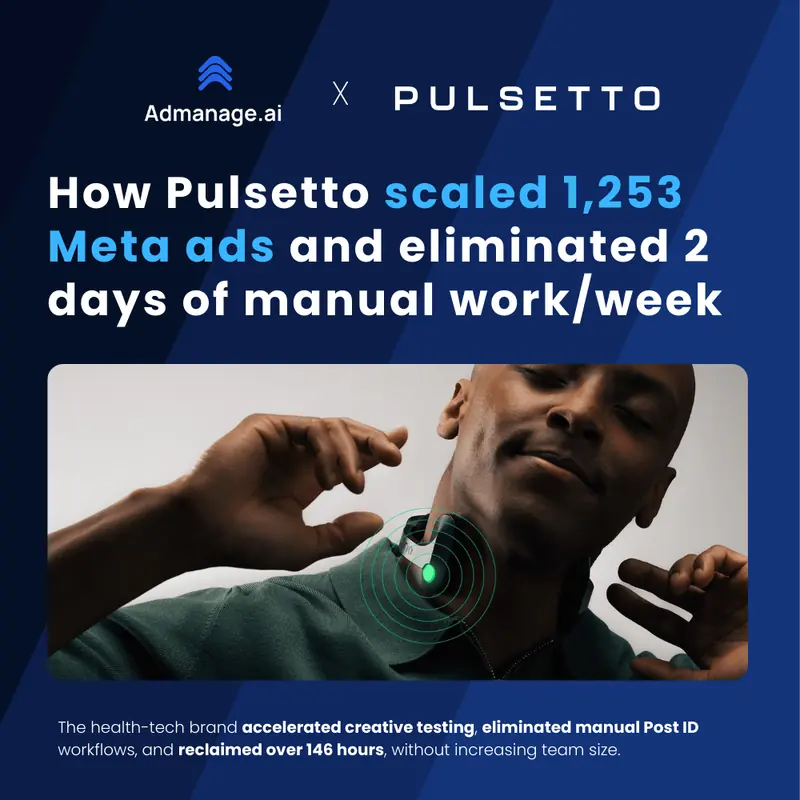

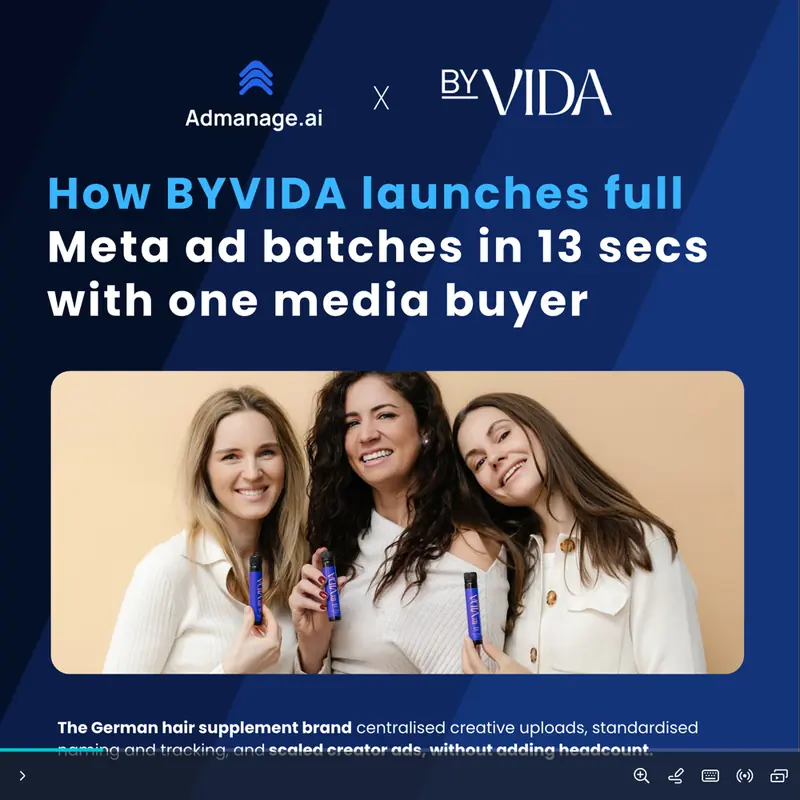

Swipe for more stories →
“Day 1, 30 minutes in: it's a game changer, 80+ ads uploaded already.”

“Hundreds of weekly ad uploads now run smoothly with just 6 team members servicing 25+ clients.”
“Auto-grouping, cross-market launches and post ID features make scaling effortless.”
“We just did an internal calculation and we're saving 80-100 hours a month.”

“Uploading ads is the lowest-ROI task in our workflow. When we removed it, our team started doing better work.”

“I was literally spending hours uploading creatives. AdManage lets me launch ads 10x faster.”

On the onboarding call included with In-House and Agency, we connect your media source, set up your naming and settings, and review a paused test launch with you.
Essential is self-serve. Enterprise onboarding is tailored to your team.
Bring the Drive folder, Dropbox library or spreadsheet your team already uses.
Work through your naming conventions, UTMs and account settings together.
Walk through a paused Meta launch and check it in Ads Manager before scaling.
Use your ad volume, account count and salary to explore the setup-time estimate. This models time available for other work, rather than guaranteed cash or headcount savings. You don’t need to replace your existing tools to use AdManage.
That's 36% of a full-time role of launch setup. In-House is £6,000 a year. You keep £16,969.
See In-House7 min saved per ad (our case-study figure), 160 working hours a month, and a role costing 1.4× its salary (£63,000) once employer NI, pension, equipment and management time are included.
Your subscription is priced by connected ad accounts. Launch volume and ad spend don’t increase it. AI generation uses your monthly credit allowance.
Running launches for several clients? In-House and Agency add unlimited workspaces and team members, personal onboarding and performance automations. Keep each client’s accounts and permissions organised while your team works across channels.
For one ad account, on any channel
1 ad account included
Start on Essential✓ 7-day money-back guarantee


For brand teams running several accounts
5 ad accounts · ~£100 each
Start on In-House✓ 30-day money-back guarantee
For agencies launching for clients
10 ad accounts · ~£100 each
Start on Agency✓ 30-day money-back guarantee
For large teams and many accounts
Unlimited ad accounts
Talk to sales✓ 30-day money-back guarantee
Unlimited launches · Every ad channel · Creative reports · AdScan · Media library · MCP & API
7 days money back on Essential; 30 days on In-House and above.Start independently on Essential, or get hands-on setup help with In-House and Agency.
| Feature | Essential£199.99 | In-House£499.99 | Agency£999.99 | EnterpriseCustom |
|---|---|---|---|---|
| Launch | ||||
| Ad launches | Unlimited | Unlimited | Unlimited | Unlimited |
| Ad accounts included | 1 | 5 | 10 | Unlimited |
| Ad channels | All | All | All | All |
| Google Sheets launches | ✓ | ✓ | ✓ | ✓ |
| Media integrations | All | All | All | All |
| Insights & AI | ||||
| Analytics and reports | ✓ | ✓ | ✓ | ✓ |
| AdScan competitor ads | ✓ | ✓ | ✓ | ✓ |
| AI credits a month | 1,000 | 2,500 | 5,000 | 10,000 |
| AI Namer | — | ✓ | ✓ | ✓ |
| MCP (Claude, ChatGPT) and API | ✓ | ✓ | ✓ | ✓ |
| Automate | ||||
| Comments inbox and moderation | ✓ | ✓ | ✓ | ✓ |
| Automations | 1 | 10 | Unlimited | Unlimited |
| Team & support | ||||
| Workspaces | 1 | Unlimited | Unlimited | Unlimited |
| Team members | 2 | Unlimited | Unlimited | Unlimited |
| Support | Live chat | Slack | Slack + account manager | Account manager + SLA |
| Onboarding | Self-serve setup | Personal onboarding call included | Personal onboarding call included | Custom onboarding |
| Audit logs | — | — | — | ✓ |
| Money-back guarantee | 7 days | 30 days | 30 days | 30 days |
Join 1,300+ teams launching with AdManage
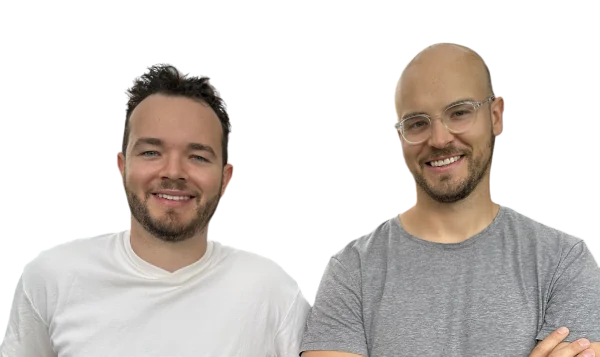
Founded by two brothers who are performance marketers. Built for media buyers, by media buyers.
Controls, documents and subprocessors are all public in our Trust Center.
SOC 2 Type IIAudit in progressOur SOC 2 Type II audit is underway and we are currently in the observation period. The report will be available under NDA once the audit completes.
 GDPRDPA available
We process customer data as a data processor under a Data Processing Agreement, with breach notification per GDPR Article 33 and support for data subject rights.
Your data is encrypted at rest with AES-256 and in transit with TLS 1.3. Cloudflare's firewall and DDoS protection sit in front of all web traffic.
Approved Meta, TikTok and Google Marketing Partner. Launches on all 15 ad channels run on each platform's official API, never scraping or shared passwords.
AdManage is an official Meta Marketing Partner and uses Meta's Marketing API. You can launch any batch paused, check it in Ads Manager, then switch it on.
Yes. Ada helps you research, prepare and launch ads. You can also connect AdManage to Claude or ChatGPT through MCP to work with your accounts, drafts and reports. Available actions vary by channel; review the proposed setup before publishing.
Creative reports and competitor research are included, with 13.5M+ ads in AdScan. Keep specialist analytics tools where you need deeper analysis; AdManage brings research and launch operations into the same workflow.
Yes. Connect your media source, recreate your naming and templates, and review a small paused Meta launch before switching. In-House and Agency include a personal onboarding call to work through that setup with you. Essential is self-serve. Compare AdManage with your current tool →
Connect your Meta ad account, load a folder of creatives from Drive, Dropbox or your computer, pick your ad sets and launch. AdManage groups formats, names every ad and applies your copy, so hundreds of Facebook and Instagram ads go live in minutes without clicking through Meta Ads Manager.
Yes. AdManage launches into Meta Ads Manager, TikTok Ads Manager and Google Ads from one screen, including Meta Partnership Ads and TikTok Spark Ads. Snapchat, Pinterest, Reddit, X, LinkedIn, AppLovin and more use the same templates and naming.
Yes. Create and update product catalogs for Meta, TikTok and ChatGPT Ads from AdManage, then launch catalog ads or turn products into video ads without leaving the app.
Yes. The Agency plan includes 10 ad accounts across every channel, switching between clients takes one click, and clients approve ads from a preview link before anything goes live.
There's no free plan. Every plan has a money-back guarantee instead: 7 days on Essential, 30 days on In-House and above.
We're GDPR compliant and our SOC 2 Type II audit is in progress. Customer-list data is hashed before it leaves our servers, and tokens are deleted 7 days after you cancel.
Connect an account. Drop a folder. Launch.
1,300+ teams already launch with AdManage
AdManage is AI ad management software and a bulk ads uploader for Meta (Facebook and Instagram), TikTok, Google Ads, Snapchat, Pinterest, Reddit, X, LinkedIn, AppLovin, Taboola, ChatGPT Ads, Mintegral, Moloco, Unity Ads, Apple Ads. Pull creatives straight from Google Drive, Dropbox, Frame.io or a Google Sheet, launch hundreds of ads at once, and run creative testing and reporting from one place.
Skip the clicking in Meta Ads Manager and TikTok Ads Manager: build Meta Partnership Ads, flexible ads and TikTok Spark Ads in bulk, with your naming and copy applied to every ad.
 Ada in AdManage
 ChatGPT
 Slack
Slack