
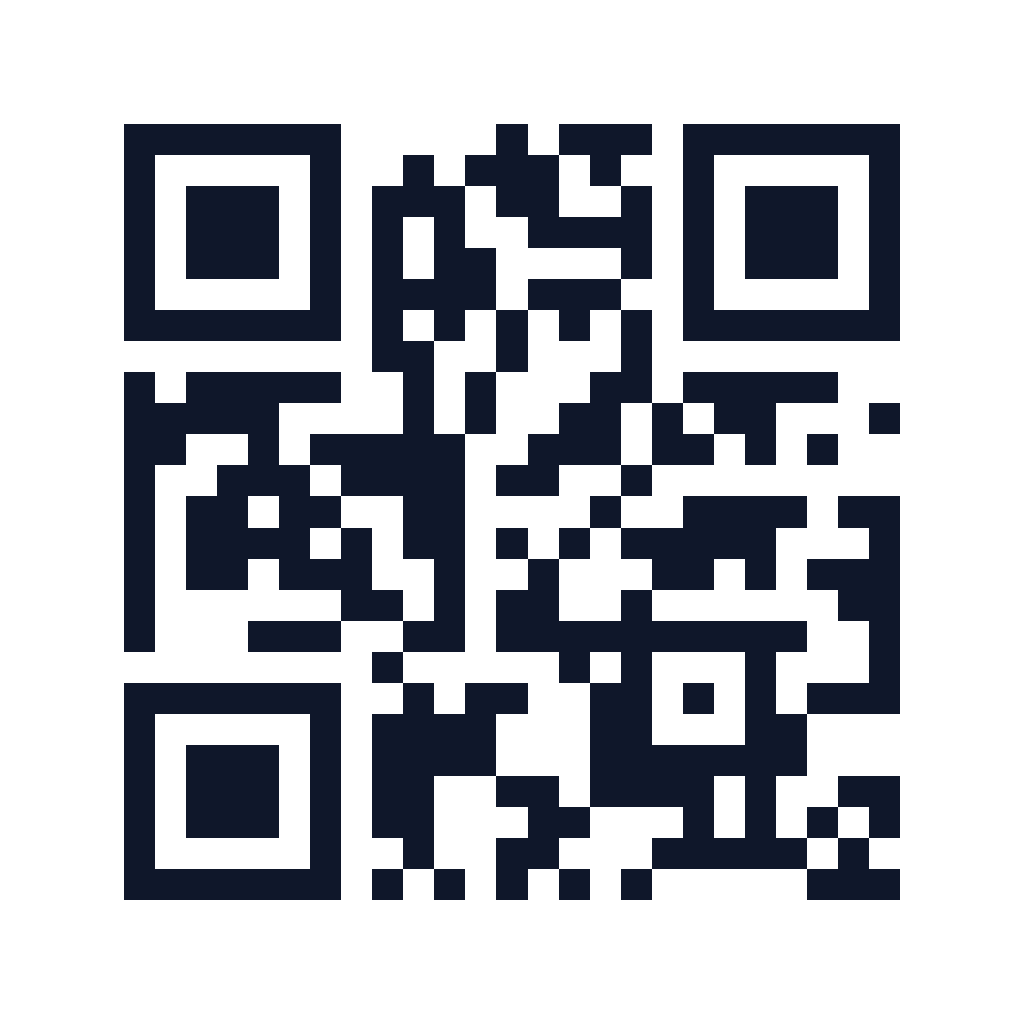
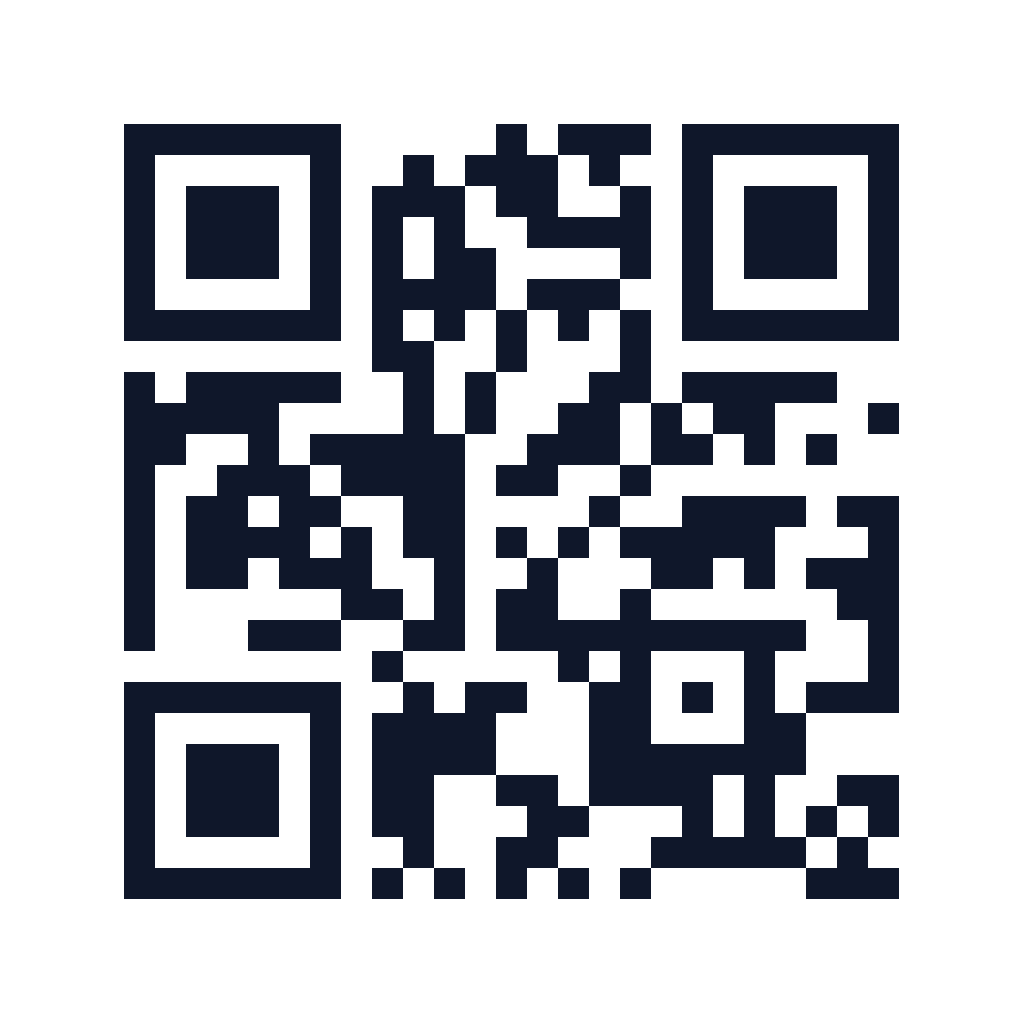
Your content → a static QR pattern + a four-module clear marginHow to use this QR code generator
- Choose website, text, Wi-Fi or email and enter the content you want to encode.
- Choose a dark ink colour, download size and error correction level. The preview updates automatically.
- Download PNG or SVG, then scan the actual file on the devices and printed size you plan to use.
Worked example
A product flyer can link directly to https://example.com/summer?utm_source=flyer&utm_medium=qr. Build the tagged link first, paste it into the website field and generate your code. A scan opens that encoded URL directly. The QR tool adds no redirect or scan analytics; analytics at your destination can interpret the UTM parameters.
Static QR codes for links, Wi-Fi and email
Website mode accepts a complete HTTP or HTTPS link. Plain text preserves your message, including Unicode characters. Wi-Fi mode encodes a network name, supported personal-network security, password and hidden-network flag. Email mode creates a mailto link with an optional subject and message; scanning prepares a draft in a compatible app rather than sending an email automatically.
PNG for everyday sharing, SVG for print
Choose a 512, 1024 or 2048 pixel PNG. Its pattern uses whole-pixel squares with a clear white margin, so small modules are not blurred by resampling. SVG keeps the pattern as vector shapes for layout and printing. Keep dark ink on white, retain the margin and test the final design at its actual size. A successful screen scan does not guarantee that a tiny or damaged print will scan.
No service expiry or editable redirect
The destination is stored in the pattern itself. AdManage does not host a redirect, register the code or meter scans. To change the encoded destination, generate and distribute a new file. A website can still move or go offline, and Wi-Fi credentials can change. Content is encoded in your browser; avoid publishing a Wi-Fi password QR anywhere you would not share the password.
Reference: DENSO WAVE: QR code clear margins.
Common questions
Are these QR codes free and do they expire?
There is no AdManage expiry, account requirement or scan limit on these static files. Their usefulness still depends on the encoded content: a linked website must remain available and Wi-Fi credentials must still be valid.
Can I change the destination after printing?
The QR pattern contains a fixed destination. Generate a new file if that destination changes. This tool does not provide a dynamic redirect or editable hosted code.
Can I add brand colours or a logo?
You can choose a dark ink colour on white, with a minimum contrast check. Logo overlays and decorative patterns are not provided. The required clear margin remains intact; always scan-test the final file.
What are the Wi-Fi and content limits?
Codes accept up to 800 UTF-8 bytes. Wi-Fi mode supports WPA/WPA2 Personal, WEP and open networks, not enterprise or WPA3-only setup. Scanner support for Wi-Fi and email actions varies by device.