Changelog
The latest updates, features, and improvements to AdManage.
Organic History and Results, Easier to Review
by Cedric Yarish
Find earlier organic posts and keep track of drafts, scheduled content and results with fewer trips between tools.
What’s new
- Browse beyond your latest organic launches. In Organic Launch, use Next in the Organic Launches tab to load older posts, rather than stopping at the first set of results.
- Find saved drafts from your AI assistant. With AdManage MCP connected, ask to list and open your organic drafts so you can review the content and destinations before taking the next step.
- Check what’s scheduled. Ask your connected assistant to show queued organic posts, their publishing times and current status, without leaving the conversation.
- Review organic performance in the same conversation. Pull supported post results for Facebook, Instagram and TikTok, including views or impressions, reach and engagement where available.
AI features require a connected AdManage MCP integration and follow your workspace access. Metric availability varies by platform.

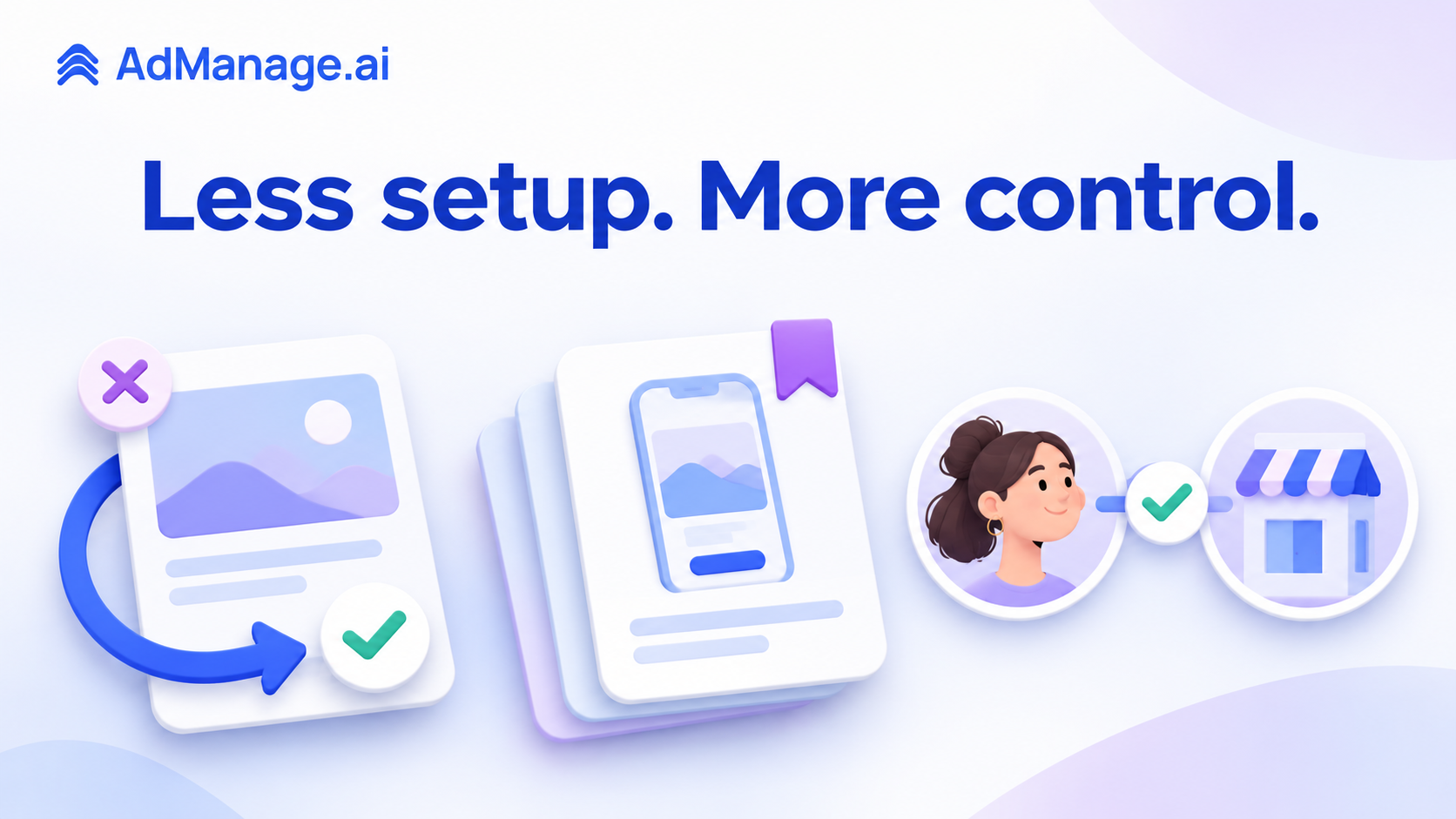
Easier Relaunches, Saved App Pages and Clearer Partnerships
by Cedric Yarish
Spend less time rebuilding posts and repeating ad setup with these improvements, now available in AdManage.
What’s new
- Pick up a failed organic post without starting over. In Organic Launch, choose Relaunch beside a failed post. Its media, caption and selected profiles return to the composer, ready for you to review before publishing.
- Reuse your Snapchat app destinations. In the Ad Launcher’s iOS Custom Product Page field, paste a page ID or App Store link and choose Save for this app. Saved pages are available for that app on the same ad account, and can also be included in ad setup templates.
- Find the right brand for a creator partnership. When a creator has approved another brand in your workspace, the partnership picker can show which brand they approved. Switch to an available approved brand or request approval for the one you want to use.
- Focus on connection warnings that matter. Organic publishing now keeps channel-specific connection errors relevant to your selected destinations.
Easier Sheet Imports and Clearer Creative Previews
by AdManage Team
Prepare ads with fewer manual corrections and review your creatives before launch.
What’s better
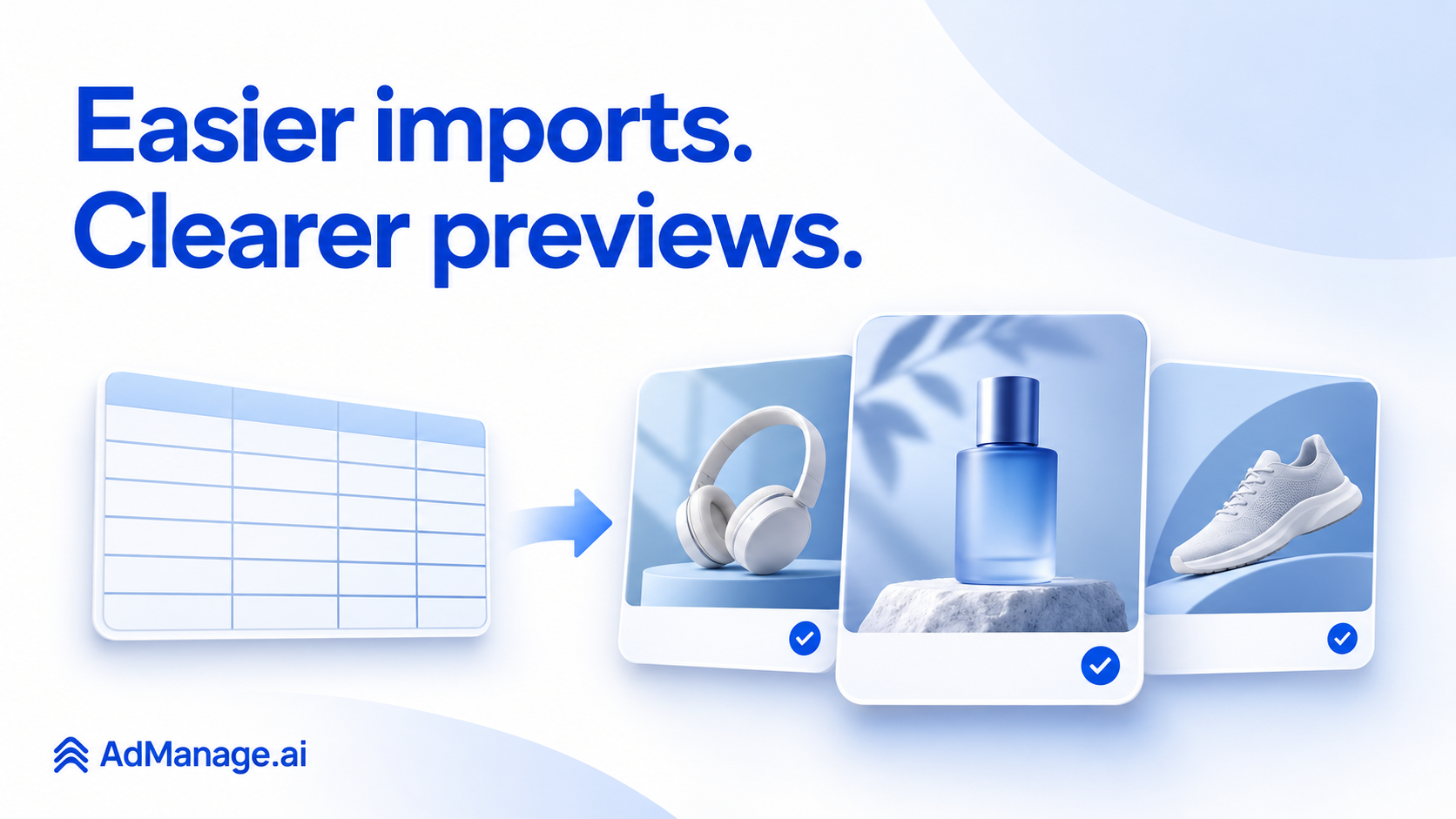
- Import Google Ads from Google Sheets. Build Google Ads from a spreadsheet, alongside your existing Meta sheet workflows.
- Keep your ad names intact. Google Sheets imports now bring names into the launch table correctly.
- Choose copy templates more easily. Use the compact name-only view to browse templates without scrolling through every version of the copy.
- Review catalog ads more clearly. Improved previews help you check how your creative will look before launch.
- See Dropbox assets at a glance. Imported media now shows the missing thumbnails.
- Understand Meta budget requirements. Minimum-budget messages now match the amount and currency shown in the launcher.
Try these improvements in the Ad Launcher.
Event Campaign Launches Smoother
by Ced Yarish
Today's Launch Updates
Facebook event campaign launches get more reliable today.
- 🎟️ Launch event-response ads with fewer manual fixes. Bulk Launcher now applies the correct
EVENT_RSVPCTA forON_EVENTcampaigns automatically, so Meta accepts event-focused creatives more consistently. - ✅ Avoid unsupported event campaign settings. Event destination launches now skip website destination optimization and promo metadata that Meta does not allow for
ON_EVENT, reducing preventable creative errors. - 🔎 See clearer failure reasons when campaign setup conflicts. Objective mismatch messaging now better explains when a creative configuration does not fit the ad set, which makes troubleshooting faster when launches fail.
Dashboard, Templates & Schedules Fixes
by AdManage Team
🐛 Bug Fixes
-
Schedules data now displays correctly — If your Schedules view was showing blank or missing data, this is now resolved. Schedule metrics populate as expected.
-
File name customizations apply to copy templates — Date prefixes and custom naming formats you set in your copy templates now carry through correctly when launching on Meta.
-
Ad metrics display restored on dashboard — Performance metrics are back to displaying properly on the reporting dashboard. No more missing or blank stats.
All three fixes are live now — no action needed on your end.

Faster Project Workflows and Smarter Thumbnails
by Ced Yarish
Today's Launch Updates
Today's update makes it easier to resume creative work, track launch progress, and keep thumbnails accurate across your media sources.
- 🚀 Resume creative projects faster. Ad Create Studio now supports creating, saving, loading, and restoring projects with clearer save states and project thumbnails.
- 👀 Track launch progress inside each project. Bulk launch tables now show project-specific ad statuses so you can see what has already been launched without extra checking.
- ✍️ Build more variations with less manual work. Create Studio adds layer grouping, alignment controls, dynamic text and image tokens, inline bold and italic styling, plus client-side support for Montserrat and Poppins.
- 🖼️ Keep thumbnails more reliable across sources. Thumbnail handling now auto-generates missing video thumbnails, improves Google Drive support for media retrieval, and adds better filtering and ad details in the thumbnail dashboard.
Smarter Automations, Faster Launches, Fewer Bugs
by AdManage Team
🚀 New Capabilities
- Pause creatives by KPI — Set up automations on TikTok to automatically pause underperforming creatives based on your chosen KPIs. No more manual monitoring.
- Save filter settings in Ad Launcher — Your filter preferences now persist, so you don't have to reconfigure them every time you open a campaign.
- Ad-level performance monitoring — Track performance metrics at the individual ad level, including a new cost per subscriber metric.
⚡ Improvements
- Text improvement now works on video ads — Previously limited to static ads, text improvement suggestions are now available for video creatives too.
- Change conversion goal when duplicating ads — You can now switch the conversion goal directly when duplicating an ad on Meta.
- CSV export includes pages — When exporting ads to CSV for reimporting, the export now includes page and pixel data so nothing gets lost.
- Automation name column is resizable — The name column in your automations list now wraps text and can be resized for easier reading.
- Notifications show all paused ads — When an automation pauses multiple ads, the notification now lists every one of them instead of just the first.
- Faster form selection loading — Lead form dropdowns now load significantly faster.
🐛 Bug Fixes
- Fixed carousel ads uploading as single ads from Google Sheets
- Fixed "Asset Feed ID belongs to a different Ad Account" error during launch
- Fixed duplicate ads appearing in ad sets
- Fixed TikTok creatives being incorrectly labeled as Pinterest in Top Creatives
- Fixed static assets showing as the wrong creative type
- Fixed Post ID reverting to wrong copy or partnership handle
- Fixed Instagram account resetting to Facebook Page after page refresh
- Fixed partnership ads not working in gallery mode
- Fixed column customization being glitchy in Ads Manager
- Fixed Google Sheets draft reprocessing dropping your ad set selections
- Fixed Snapchat ad launch errors with incompatible ad squads
- Fixed performance monitoring crash when no changes occurred for two days
- Fixed failed automation rules not showing debug info
A big day for reliability and automation. Thanks for all your feedback — keep it coming!

Bigger Uploads, Smoother Launches, Better UI
by AdManage Team
📦 Google Drive Upload Limit Increased
You can now upload up to 1,000 files at once from Google Drive — up from the previous 500-file limit. Perfect for large-scale ad launches without needing to split your uploads into batches.
🚀 Ad Launch Reliability Improvements
- Fixed an issue where static ads were incorrectly flagged as missing a video, preventing launch
- Resolved multiple ad launch failures affecting several accounts
- Improved error handling so launches recover gracefully instead of failing silently
✨ Cleaner Ad Launcher Interface
- Multilanguage settings now open in a dedicated modal — easier to configure without cluttering your workflow
- Catalog and Instant Experience options have been consolidated and moved above Gallery mode for quicker access
These changes are live now — no action needed on your end.

Creative Reporting Fixes & Ad Scheduling
by AdManage Team
🐛 Bug Fixes
-
Creative Reporting aggregation fixed — Similar creatives now group correctly in the Creative Reporting Tool. Previously, creatives were showing as uniques even with "Filter grouping per creative" enabled.
-
Report sending restored — Resolved an issue where reports failed to send for some accounts.
-
Cost per result in Top Creatives — The cost per result metric now displays correctly in the Top Performing Creatives view.
-
Facebook Ad Profiles — The "Gap" filter option is now properly deselectable in Ad Profiles.
-
Ad Launcher creative variations — Fixed a bug where batches with multiple creative variations would launch using only one creative instead of all variations.
-
Multi-placement thumbnail assignment — Thumbnails now correctly apply to the 2nd video in multi-placement ad groups.
⚡ Improvements
-
Ad-level scheduling — You can now schedule ads individually at the ad level, instead of only at the batch level.
-
Edit scheduling on live ads — Modify ad scheduling directly through Ads Manager on ads that are already running.
-
"Optimize text per person" for Meta — This option is now available across all Meta ads, giving you more control over text personalization.
🔗 Integrations
-
SharePoint connection error resolved — Fixed an issue preventing some users from connecting their SharePoint integration.
-
TikTok API reconnection — Resolved connectivity issues with the TikTok API for affected accounts.

7 Fixes: Google Ads, Meta & Sheets Imports
by AdManage Team
🛠️ What We Fixed
A batch of reliability improvements shipped over the past 24 hours — here's what's better for you today.
Google Ads
- Video management in Ad groups is fully restored. You can now upload, preview, and delete videos correctly. The "Add Videos" button works as expected.
Meta
- Post ID & social proof now carry through reliably when copying existing ads — your likes, comments, and shares are preserved.
- Creative Enhancements respect your settings. If you've disabled Meta Creative Enhancements in account settings, they will no longer activate unexpectedly during launch.
- Deleted ad sets no longer appear in duplication dropdowns, so you won't accidentally target removed ad sets.
Ad Launcher
- Ad set selections now sync between Gallery and Table view. Switching views no longer resets your selections.
Sheets Integration
- UTM parameters from Google Sheets now import correctly into the table view — no more blank columns after mapping fields.
- Naming convention changes now save reliably — your settings stick after you apply them.
All fixes are live now. No action needed on your end.

Reddit Launches and Smarter Google Ads
by AdManage Team
March 18 Updates
This release expands channel coverage and improves bulk campaign control.
- Connect and launch to Reddit from AdManage. Reddit is now available in account setup, with workspace connection flows, multi-account support, ad previews, and Reddit-specific ad fields like headline, body, and CTA.
- Handle Google Ads in bigger batches with less clicking. You can bulk delete or duplicate selected ads, auto-select newly duplicated ads, and carry more video context through launch, relaunch, and preview flows.
- See richer Google Ads results after launch. Batch views now show campaign context, pending video state, YouTube thumbnails, and embedded video previews.
- Generate Facebook copy variations faster. AI text variations now cover copy, headlines, and descriptions with clearer loading and error feedback.
- Read TikTok launch results more quickly. Batch dialogs now clean up repeated TikTok errors and show launch type in the table for easier diagnosis.

TikTok Recovery and Snapchat Table Gains
by AdManage Team
March 17 Updates
These updates focus on reducing failed relaunches and making batch workflows easier to recover.
- Handle TikTok iOS ad limits without blocking good launches. AdManage now lets standard-capacity launches proceed, then shows the legacy 9-ad warning only when TikTok actually returns it.
- Relaunch every failed combination. Failed ads are now preserved per row and ad set, so relaunch picks up every failed combo instead of collapsing them.
- Build more Snapchat ads in table mode. Table mode now supports Sponsored Snap workflows and deep link handling for Snapchat launches.
- Review Google Ads video launches with better context. Batch results keep pending videos, show YouTube thumbnails, and support video previews for Google Ads relaunches.
- Spend less time fighting broken previews. Preview freezing is fixed, Google Drive video recovery is stronger, and Frame.io links load more reliably.

Sharper Previews and Faster Draft Workflows
by AdManage Team
March 16 Updates
This release makes launch setup easier to review and faster to move through.
- Launch Smart+ TikTok campaigns with a single CTA. Smart+ no longer forces two CTAs, so single-CTA launches work again in both gallery and table mode.
- Preview ads with more confidence before launch. TikTok page selectors now show a hover preview, partnership ads get live preview support, and Facebook ads pull sharper HD thumbnails.
- Reduce media setup mistakes. Google Drive videos are less likely to be misread as images, and existing-video launches now bring in ad copy more consistently.
- See creative performance more clearly. Creative History now includes CPC and CTR so it is easier to compare winners.
- Move through larger launch queues faster. Launch Drafts now use infinite scroll, and Sponsored Snapchat ads are available in table mode.

Enhancements for Smoother Creative Launches
by AdManage Team
Today's Launch Updates
🚀 Bulk Launcher gets smoother across creative setup, uploads, and launch checks.
- 🎬 TikTok uploads are more reliable. TTCC links now resolve before upload, large Dropbox videos avoid a crash path, and TikTok source toggles persist.
- 📌 Pinterest launches are easier to control. Selected boards are respected, auto-board fallback no longer loops, and media URLs are cleaned up before launch.
- 🧱 Axon asset status is clearer. Rejected creatives are now flagged in the library before selection.
- 🖼️ Google Drive media is easier to review. Video thumbnails and duration data show more accurately, with smoother browsing in the media library.
- ✅ Launch settings stay aligned. Turning off collection ads no longer leaves hidden config blocking launch.
- 🔗 Lead-form setup has fewer blockers. ON_AD Facebook flows no longer require unnecessary links.
A solid day of reliability and workflow improvements across launch prep.

Sharper Media Loading Across Launch Flows
by AdManage Team
March 15 Updates
This update tightens media handling so launch review stays cleaner and more reliable.
- Load the right media URLs more consistently. Drive and Dropbox assets now resolve more cleanly, with better cache-busting and full-resolution recovery when thumbnails would otherwise get in the way.
- Reduce noise in ad processing. URL cleaning is more consistent across launch services, which helps avoid avoidable mismatches during processing.
- Keep launch status clearer after success. Successful ads are now marked more reliably, and the unified ads view starts with a tighter default set for faster scanning.
