
 Media Integration
Import Media from Playbookfor Bulk Ad Launching
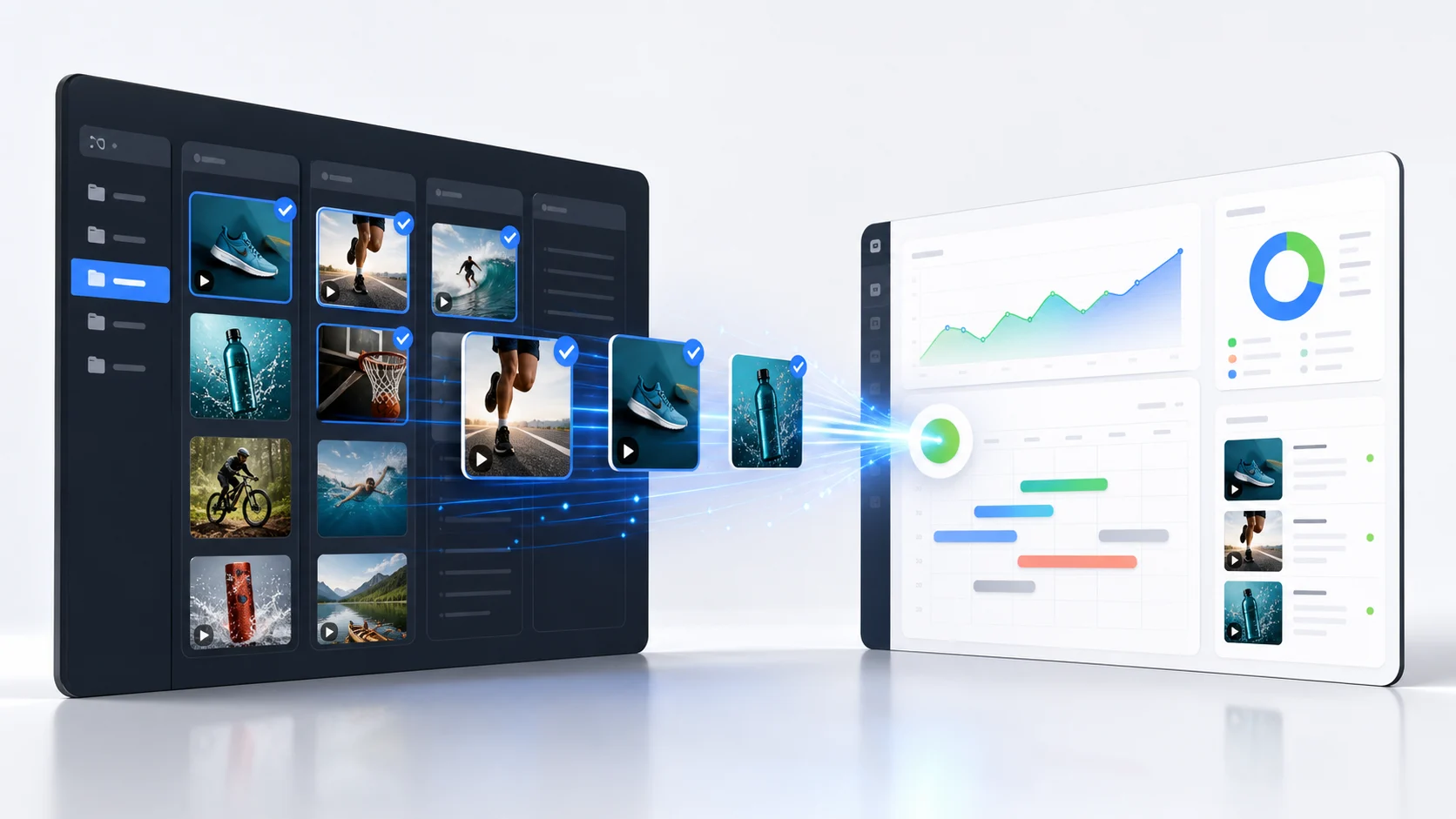
Import creative assets from Playbook creative storage and public share links into AdManage, then bulk launch them across every major ad platform.
From Playbook to Live Ads
Import your creative assets and launch across all major ad platforms.


Why Use Playbook with AdManage?
Playbook keeps campaign creative organized in shareable boards. AdManage turns those creative storage links into launch-ready images and videos without manual downloads.
Access
Playbook Public Link Import
Paste a public Playbook share link into AdManage to preview the downloadable assets available in that shared board.
Structure
Board Folder Traversal
AdManage scans child boards so organized Playbook folders can move into your media workflow together.
Creative
Image and Video Assets
Select supported image and video files from Playbook and import them into the AdManage media library at source quality.
Control
Organization-Level Toggle
Keep Playbook available only for teams that enable it, matching the per-organization control used by other media integrations.
Get Started in 3 Steps
No complex setup. Connect Playbook, import media, and launch.
Enable Playbook
Turn on Playbook from AdManage Integrations for the organization that should use it
Paste Share Link
Open Load Media, choose Playbook, and paste a public Playbook board share URL
Import & Launch
Select the creative assets you need and launch them across every supported ad platform
Trusted by leading brands


Related workflows
More ways to launch from Playbook
Connect your media source to the rest of the AdManage launch stack.
Import approved DAM assets from Bynder share links.
BrandfolderLaunch brand-approved assets from Brandfolder.
AIRMove creative from AIR asset management into ads.
Meta AdsLaunch Facebook and Instagram ads in bulk.
TikTok AdsScale TikTok creative sets, Smart+, and Spark Ads.
AppsFlyer attributionConnect mobile app installs, revenue and ROAS to your ads.
Frequently Asked Questions
Playbook Integration FAQ
Ready to Launch Ads from Playbook?
Join 200+ brands using AdManage to import media from Playbook and bulk launch ads across Meta, TikTok, Google, Snapchat, Pinterest, Taboola, and AppLovin.