

To check a public TikTok account’s follower count, copy its exact @username and search for it on TokCount or Livecounts.io. Both tools show a follower total that refreshes while you watch.
Use a public counter for a quick lookup, TikTok Studio to see how your own audience changed over time, and Ads Manager to measure what your paid campaigns delivered.
How to use a live TikTok follower counter
- Copy the exact @username from TikTok. Display names can be shared by several accounts.
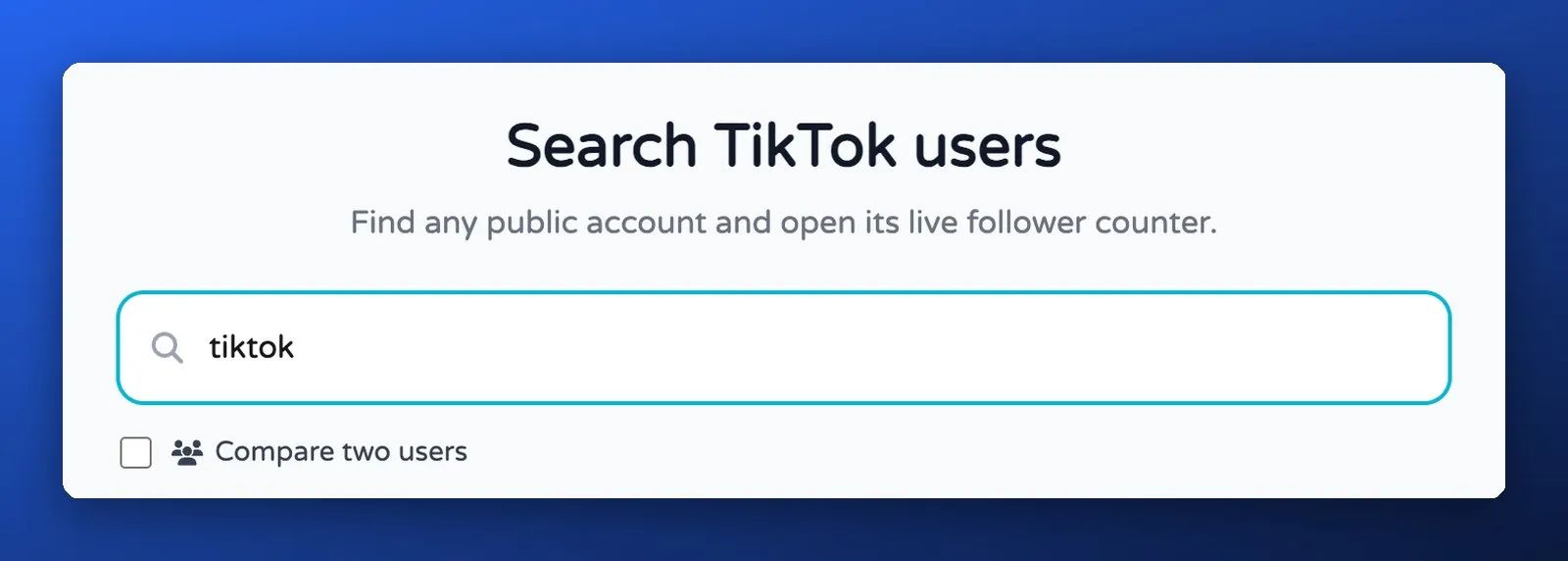
- Search for the handle. TokCount has a Search TikTok users page and a Compare two users option. On Livecounts.io, use the Search Accounts field.
- Open the matching account and read the Followers number. If you are comparing two snapshots, record the handle, tool and time alongside each count.
What does a TikTok counter show?
Both of the main counters show the same four numbers for a public account:
- Followers. The headline figure, refreshed automatically.
- Likes. The total number of likes the account has received across all of its videos.
- Following. How many accounts it follows.
- Videos. How many videos it has posted.
These are the same four profile stats that TikTok's own developer API returns. The Display API user info endpoint lists follower_count, following_count, likes_count and video_count, and describes likes_count as the total likes received across all of the user's videos.
On top of that, the counters add their own features. TokCount offers a live video view counter, a side-by-side comparison of two accounts, money and engagement calculators, and a 7-day growth report. Livecounts.io offers a comparison page, an embed widget for stream overlays, and an "Advanced Metrics" view with the current rate of gain and an average per minute.
Where do TikTok counter numbers come from?
TokCount and Livecounts.io describe their figures as public TikTok data. Their product pages give general descriptions of the source and refresh behaviour.
The public product pages leave the collection method unclear. TikTok documents two developer routes with different access requirements.
- The Display API returns
follower_countonly for a user who has logged in and authorised an app with theuser.info.statsscope, according to TikTok's developer docs. - The Research API can return follower counts for public accounts, but TikTok limits access to qualified researchers who are "independent of commercial interests", such as academic and not-for-profit institutions in eligible regions.
Treat a public counter reading as an unofficial snapshot. If you need a figure for your own account report, check TikTok Studio for the same period.
Why does the counter show a different number from the TikTok app?
Refresh timing and display rounding can explain why the TikTok profile and a third-party counter show different figures.
Check these details before interpreting a difference.
- Refresh timing. TokCount advertises a five-second refresh. Livecounts.io gives different intervals on the same page. A page refresh tells you when the tool checked, while the underlying data may have changed earlier.
- Display rounding. For example, a profile showing 1.2M and a counter showing 1,204,620 can be consistent. These figures are illustrative.
- Account match. Confirm the exact @username on both screens before comparing numbers.
For a campaign recap, compare figures from the same tool at consistent times and record which dates you used.
Is TikTokCount safe to use?
For a public lookup, enter the @username. Both tools offer a search without requiring you to sign into TikTok.
A few sensible checks:
- Never enter your TikTok password into a counter or any site that claims to show private stats. Neither main counter asks for one.
- Ignore promises to see private accounts. Both TokCount and Livecounts.io say private accounts cannot be shown, because their counts are not public.
- Watch for lookalike accounts. Copy the exact handle directly from the public profile you intend to check.
- Deleted, banned or renamed accounts will not load under the old handle, according to TokCount.
How to track your own follower count on TikTok
TikTok Studio is where you can check your own follower growth over a selected date range. The mobile path below follows Buffer’s TikTok Studio walkthrough.
- Open your TikTok profile in the app.
- Open the menu and choose TikTok Studio.
- Tap Analytics.
- Open Followers if it is available and choose the date range you want to compare. On desktop, sign in to TikTok Studio.
Look at net followers alongside the total. For a week-over-week review, compare two complete seven-day periods. Where available, use the audience breakdown and active times to add context.
TikTok counter vs TikTok analytics vs ad reporting
| Live counter (TokCount, Livecounts.io) | TikTok Studio analytics | Ad reporting | |
|---|---|---|---|
| Whose account | Any public account | Your own | Your ad account |
| Made by TikTok | No | Yes | Yes |
| What it shows | Followers, likes, following, videos | Follower growth, demographics, active times, content stats | Spend, impressions, clicks, conversions |
| Login needed | No | Yes | Yes |
| Best for | Watching a competitor or a follower race | Planning your own content | Judging whether ads pay back |
For competitor research, a counter only tells you how fast an account grows. Pair it with what the account is actually posting. Our guide to tracking TikTok competitors without following them covers that side, and the TikTok Creative Center guide shows how to find top-performing ads by industry.
Do follower counts matter for advertisers?
Follower count describes audience size. When vetting a creator for Spark Ads, ask for their audience breakdown and recent video performance. Use the campaign’s own reporting to evaluate the result after it runs.
For day-to-day content decisions, views and engagement on each video usually tell you more than the follower total. See how TikTok counts views and average TikTok views by follower count for context. If you run paid campaigns, the numbers that decide budget live in Ads Manager, not on a profile: see how much TikTok ads cost.
Frequently asked questions
What is TikTokCount?
"TikTokCount" is how many people search for a TikTok live follower counter. TokCount (tokcount.com) and Livecounts.io are the most common results. Both are free third-party sites that show a public account's follower, like, following and video counts and refresh them automatically.
Is TokCount accurate?
TokCount provides an unofficial reading. If a number matters for reporting, confirm the handle and time, then use TikTok Studio for figures from your own account.
Can a TikTok counter show private accounts?
No. Both TokCount and Livecounts.io say private accounts cannot be shown because their counts are not public. Any site claiming otherwise should be avoided.
Why does my follower count go down on a live counter?
People can unfollow an account. Check the same handle again and use TikTok Studio’s net follower trend if you own the account.
Is TikTok Pro the same as a TikTok counter?
No. TikTok Pro is an account and app name, not a follower counter. See what TikTok Pro is.
Launch TikTok ads at scale with AdManage
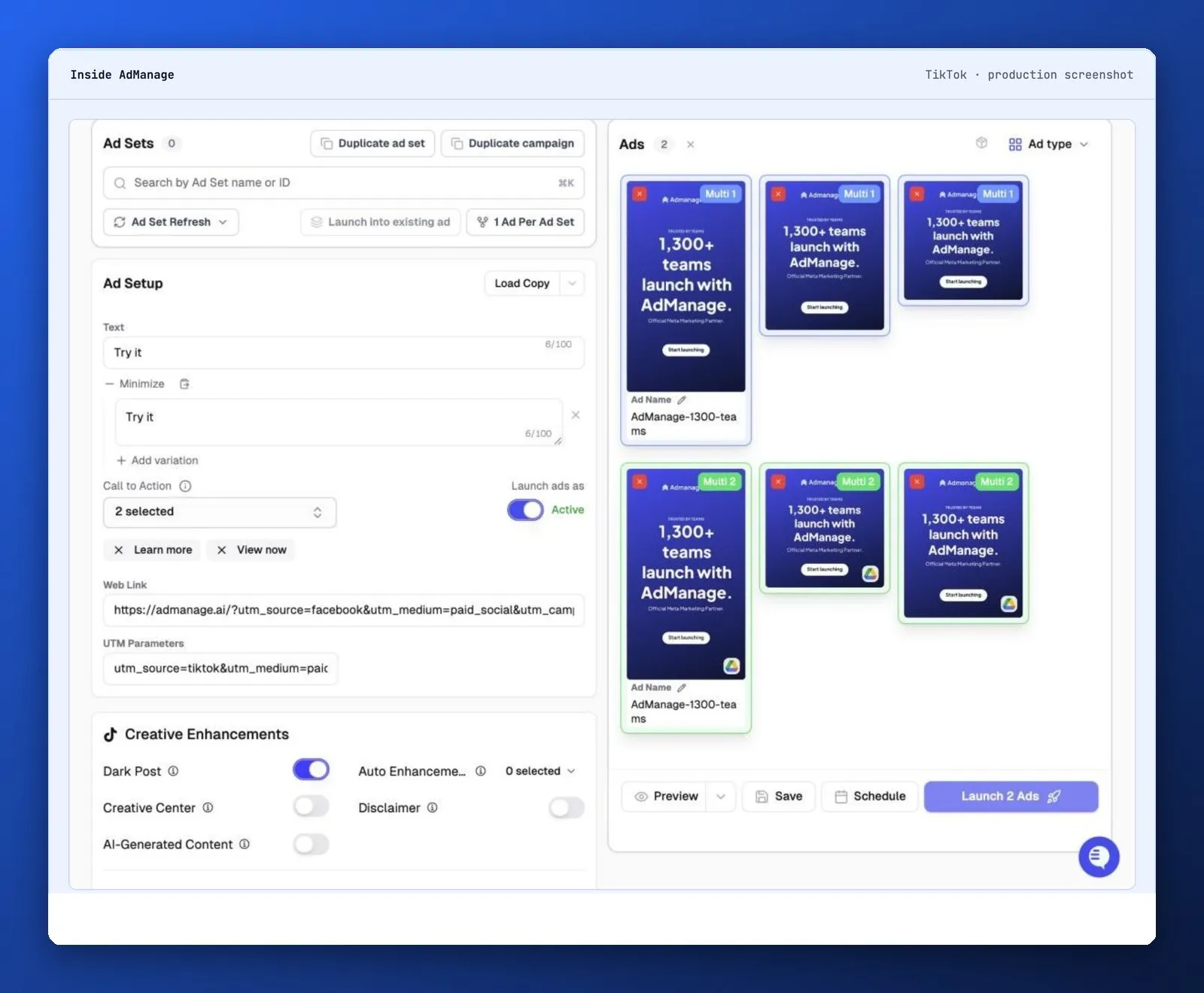
If your next step is to test several authorized creator videos, see how AdManage groups TikTok creatives by placement and prepares Spark Ads. The launcher lets you review the batch before publishing.

Cedric Yarish is a Meta ads expert, performance marketer and product builder with 10+ years of experience across Photoroom, Nextdoor and MVF. At Photoroom, he led user acquisition with more than $1 million in monthly ad spend and a creative operation producing 400 ads a month across 30 languages.
Today, he leads product and engineering at AdManage, the platform he co-founded with his brother Raphael to help marketers launch, test and manage ads at scale. Meta has quoted him on its developer blog and invited him to speak on its Partner API Panel in New York. His insights on creative testing and advertising automation have also featured in RevenueCat and In Growth We Trust.
Full founder bio & interviews