

For Facebook and Instagram ad comments, shortlist CommentGuard for a dedicated moderation workflow, NapoleonCat or Statusbrew for broader social-team operations, BrandBastion for a more managed brand-care offering, and AdManage when comment management needs to sit beside your ad launching.
The important question is what happens after a comment arrives. Can the tool find it on a paid ad, keep the conversation in context, apply the right rule and make it easy for a teammate to review the result?
An inbox full of spam is a problem. So is a rule that hides a real delivery complaint or publishes an inaccurate automated reply. Choose a tool and a policy together.
Disclosure: We build AdManage. Features and commercial details below were checked against vendor pages on 5 November 2026. This is a practical shortlist, not a hands-on accuracy benchmark of every tool. Product images are sourced from the vendors' own websites and labelled separately.
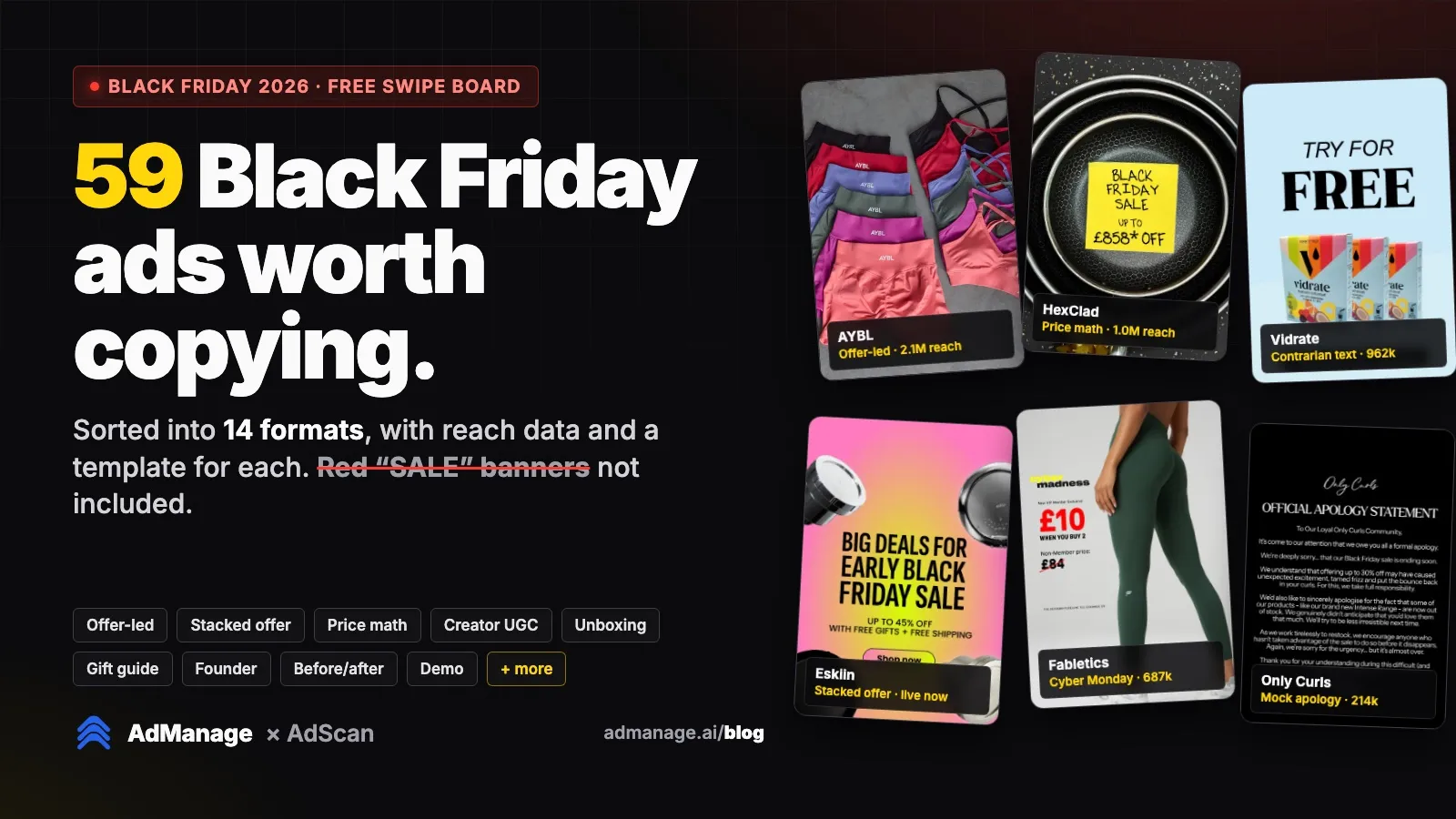
Cover image: CommentGuard's official website, retrieved 5 November 2026. Vendor-published product imagery.
Five tools, five useful starting points
| Tool | Best starting use case | The pricing or scope question to ask |
|---|---|---|
| AdManage | Comment review alongside paid-ad launching and operations | Which plan, role and connected-account permissions cover your workflow? |
| CommentGuard | Dedicated Facebook and Instagram moderation | How many monthly comments do you need to process? |
| NapoleonCat | A social inbox with rule-based automation | Does your selected plan include Auto-moderation? |
| Statusbrew | Team assignments, approvals and a configurable rule engine | Does the quoted plan cover paid-ad comments and your required networks? |
| BrandBastion | Brand protection, AI-assisted replies or managed community care | Which of Reputation+, Agent+ or Engage+ matches the service you need? |
For a small volume, also test the native Facebook and Instagram tools you already have access to. A paid system earns its place when it gives you better coverage, ownership, rules or visibility than that baseline.
1. AdManage: keep comments beside the ad workflow
AdManage supports reviewing Facebook and Instagram ad comments, replying as the connected account and hiding or unhiding comments. Comment automations live in the Automations tab, subject to the account's plan and role access.
It is a useful fit when the same team launches ads and handles the conversation around them. The public Essential plan starts at £199.99/month for one ad account and two team members; the full plan covers more than comments. Check the current entitlements rather than treating that number as a comment-only subscription. Pricing and comment-management overview.
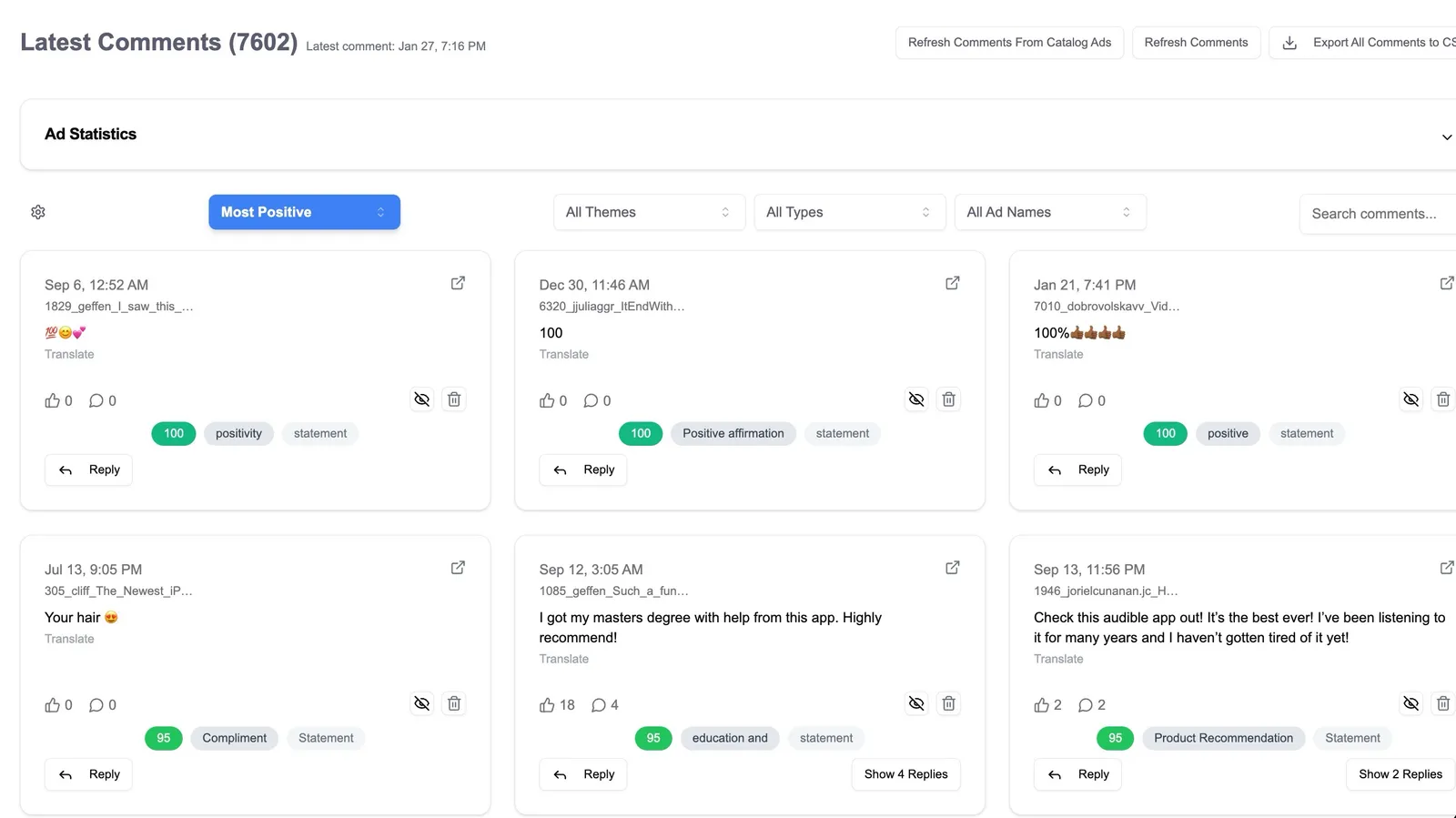
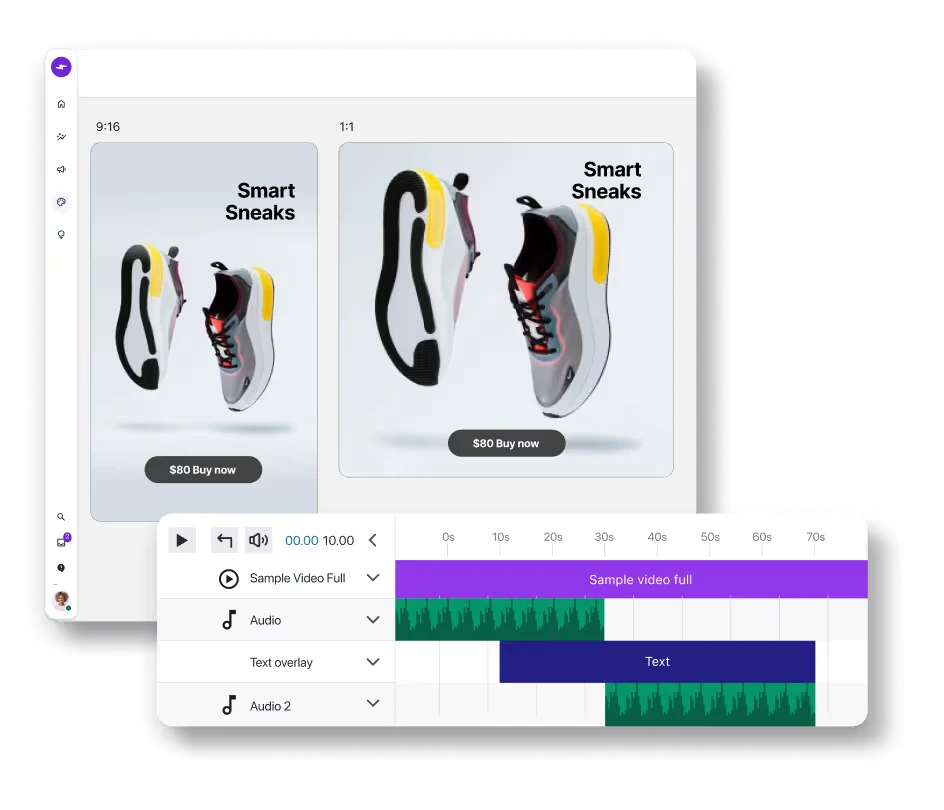
AdManage product image. Account access and available actions depend on the connected platform and permissions.
Important limitation: Facebook comments have sentiment analysis in AdManage; Instagram sentiment scores are currently unavailable. Missing sentiment should stay labelled unavailable, rather than being treated as neutral.
AdManage MCP also supports reading comments and analytics, with replies and hide/unhide operations requiring write access. See the MCP setup guide before connecting an assistant to live actions.
2. CommentGuard: a dedicated Meta moderation option
CommentGuard focuses on Facebook and Instagram comments across organic and paid content. Its site describes a shared inbox, moderation and AI-assisted replies.
Its published monthly Starter plan is $29 for up to 5,000 comments, with higher comment-volume tiers. The pricing page lists unlimited Facebook/Instagram pages and team members. That makes comment volume the practical sizing question for a team comparing this dedicated workflow. Product and pricing.
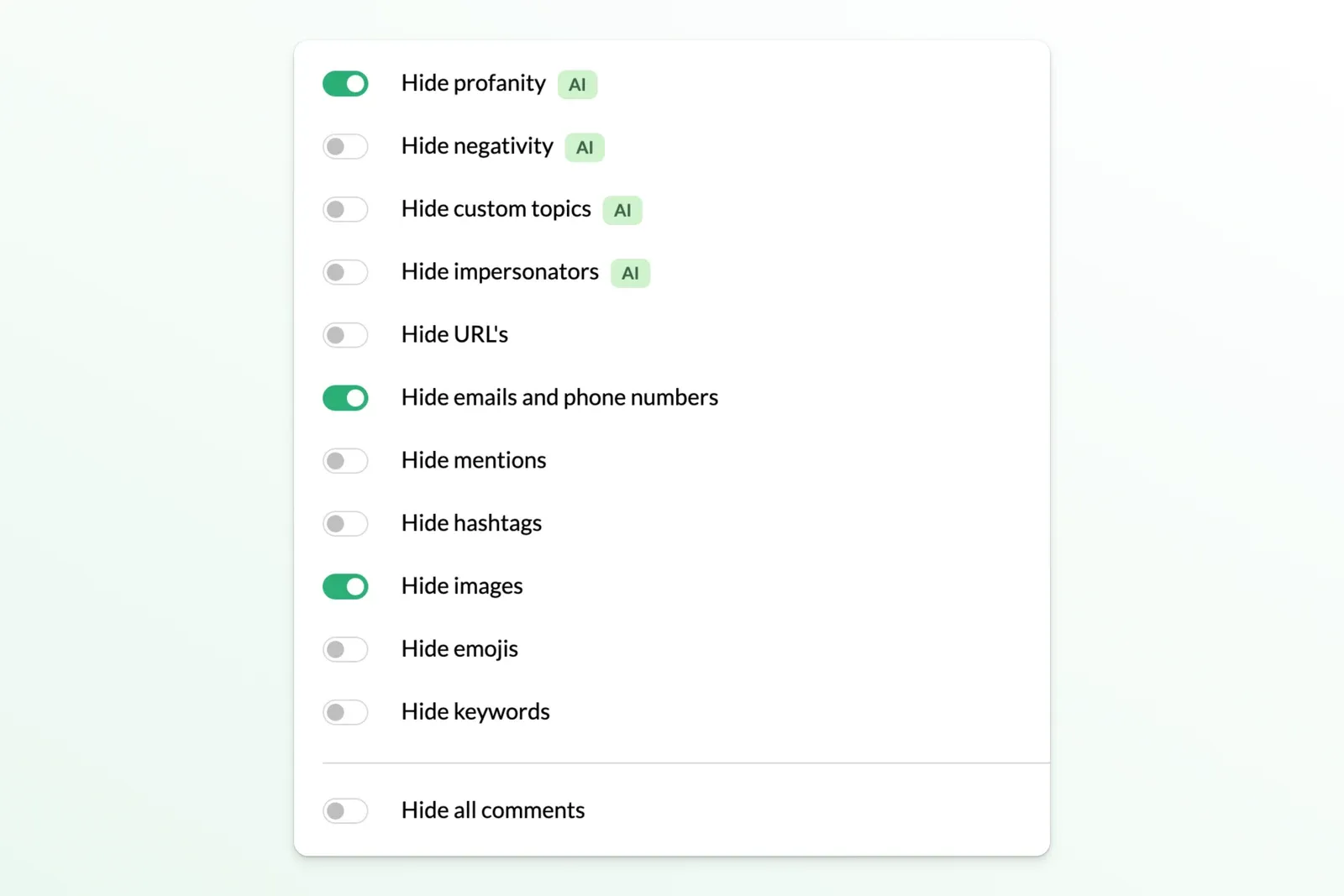
Product image from CommentGuard's official website, retrieved 5 November 2026. Shown as published by the vendor.
Ask during a trial: Which comments are included from the moment you connect, how an automated reply gets its context, and how you review or reverse a moderation decision. Use the same real examples you give every other vendor.
3. NapoleonCat: social inbox plus rule-based automation
NapoleonCat is worth considering when comment handling sits inside a wider community-management operation. Its help documentation describes rules for organic comments, ad comments and other message types, with actions such as replying or hiding.
The feature to verify is Auto-moderation, which NapoleonCat's documentation places on the Expert plan. A lower-priced inbox plan is not automatically the equivalent automation product. Configure the profile count, capacity and billing term on the current pricing page before comparing a quote. Auto-moderation documentation and plans.
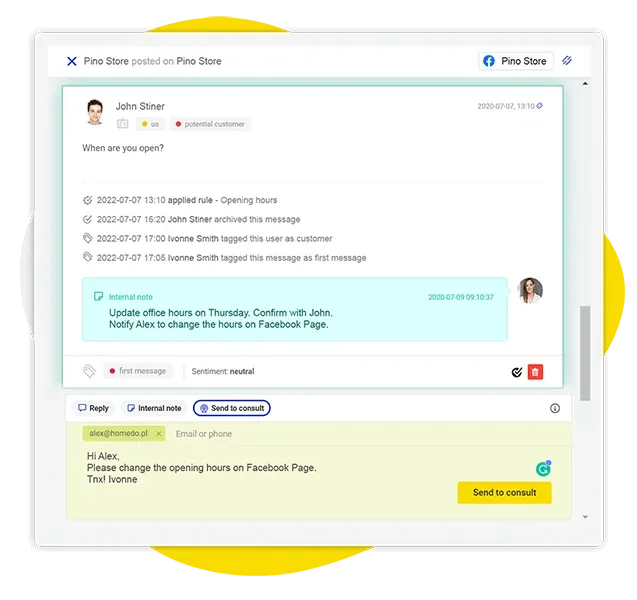
Product image from NapoleonCat's official website, retrieved 5 November 2026. Shown as published by the vendor.
Best fit: A social team managing several profiles and recurring rule-based tasks. Check first: The exact paid-ad formats, message types and automation allowance covered by the plan you would buy.
4. Statusbrew: configurable team workflows
Statusbrew combines publishing, engagement, reporting and collaboration. Its official overview describes rule-based handling of organic and ad comments, while its pricing page separates the rule engine from higher-tier sentiment and approval features.
That separation matters. The entry-plan description mentions organic comment hiding; do not infer that every ad-moderation feature is included at the entry tier. Ask for a plan matched to your paid-ad workflow, social profiles, seats and approvals. Platform overview and pricing.
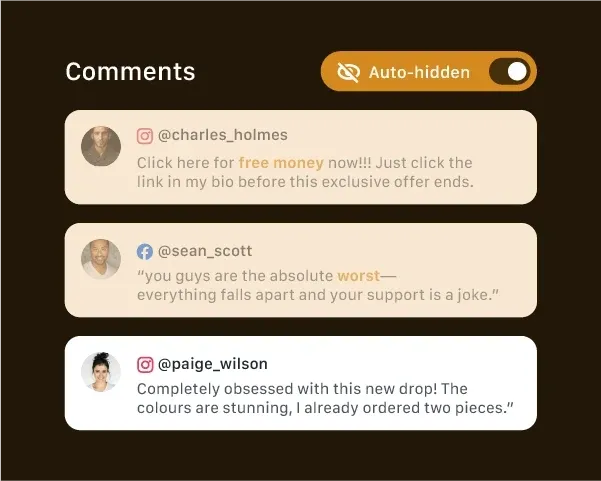
Product image from Statusbrew's official website, retrieved 5 November 2026. Shown as published by the vendor.
Best fit: A team that needs clear assignment and approval processes across accounts. Check first: Coverage of the ads and networks you actually run, alongside the workflow features in the selected tier.
5. BrandBastion: protection and managed community care
BrandBastion's current plans distinguish three jobs: Reputation+ for moderation and brand protection, Agent+ for AI-assisted replies that a team can approve, and Engage+ for managed responses and community care.
Product image from BrandBastion's official website, retrieved 5 November 2026. Shown as published by the vendor.
This is a useful distinction if you need more than software rules. A brand may need a service to help operate the inbox, a team to approve drafts, or a protection layer around existing social tools. Those are different purchases, so ask for the matching scope and quote. Official plans.
Best fit: A brand evaluating protection, assisted response or managed care at a broader organizational level. Check first: Human review, service coverage, escalation ownership and what the proposed plan actually includes. A headline from an older pricing comparison may describe a different package.
Write a moderation policy before turning on broad rules
Start with a small set of decisions your team can apply consistently.
| Comment type | A sensible starting response | Human review? |
|---|---|---|
| Obvious spam or repeated irrelevant links | Apply the agreed spam action and log the reason | Review samples and exceptions |
| Product or availability question | Answer from approved product information | Review uncertain or sensitive answers |
| Delivery, refund or service complaint | Acknowledge it and route the person to a private support channel | Yes, with a named owner |
| Legitimate criticism | Keep it visible and respond constructively when useful | Usually |
| Threats, abuse or personal information | Escalate and apply the relevant platform/policy action | Yes |
This table is a starting policy, not a universal moderation rule. Write examples from your own product and support workload. The goal is to make the team consistent and useful to customers.
Keep genuine questions and criticism visible. Give your team a way to review a rule's decisions, correct mistakes and separate a draft reply from an automatically published reply.
Test with a small, representative sample
Use a set that includes easy spam, ambiguous comments, genuine questions and a few complaints. Remove personal information before putting examples into a third-party evaluation document. Do not post synthetic comments on customer ads just to create a benchmark.
For each tool, check:
- Coverage: Does it find the relevant comment on the actual paid ad, including the correct Facebook or Instagram identity?
- Context: Can the reviewer see the parent conversation and understand what the person is replying to?
- Decision quality: Which examples are correctly routed, wrongly hidden or missed? Record the reason, not just a percentage.
- Reply accuracy: Does a suggested answer stay inside approved product, price and support information?
- Ownership: Can another teammate find the item, see what happened and take over?
- Recovery: Can you review the result and reverse an action where the platform supports it?
Track false positives and missed spam separately. A system can catch more spam by being more aggressive while also creating more unnecessary moderation of real customers.
What should you measure after rollout?
Start with the outcomes the tool directly affects: time to review, unanswered questions, moderation corrections, escalation completion and the share of comments with a clear owner.
If you measure advertising performance too, keep the interpretation careful. A change in conversion rate can coincide with different creative, offers, audiences, seasonality or delivery. A testimonial or a before/after screenshot does not establish that moderation caused the change.
For an initial rollout, choose a small account or defined set of ads, keep a log of the rules and review examples weekly. Expand once the workflow and decision quality are useful to the team.
Frequently asked questions
Can I manage both Facebook and Instagram ad comments in AdManage?
Yes. You can review, reply and use supported hide/unhide actions through connected accounts with the required permissions. Facebook sentiment analysis is available; Instagram sentiment scores are currently unavailable. The product overview explains the workflow.
Which tool is best for a small business?
For a dedicated Meta-only moderation job, CommentGuard is a straightforward option to evaluate against your comment volume. If you also need ad launching and the rest of an advertising workflow, compare the total cost and scope of AdManage. Broader social-team needs may point to NapoleonCat or Statusbrew.
Should I automatically hide every negative comment?
Use a policy based on the comment's purpose and content. A genuine complaint can need a helpful response and support escalation. Review the tool's decisions and keep a correction process for false positives.
Does a social inbox automatically include paid-ad moderation?
No. Check the exact plan, connected network, ad format and action. Organic comment handling, paid-ad comment coverage, rule-based automation, sentiment analysis and managed human responses can sit in different tiers.
Can ChatGPT or Claude reply to comments?
AdManage MCP supports comment-reading tools and, with a write-enabled connection, supported replies and moderation actions. Review the account, proposed action and reply before applying it. A connector's ability to perform an action does not mean every connection has permission to do it.

About the author
Cedric Yarish
Co-founder of AdManage.ai