

Start with Meta Ad Library to see a brand's active advertising. Add a research workspace when you need saved references, a searchable archive, competitor tracking or a repeatable way to produce briefs. AdScan, Foreplay, Atria, AdSpy, Minea and BigSpy approach those jobs differently.
The useful result is not a board with another 200 ads on it. It is a clear next test: who the creative is for, what claim or problem it addresses, what evidence your brand can use and what the team should make.
This guide compares seven options and gives you a workflow for moving from public competitor advertising to an original creative brief.
Disclosure: We build AdManage and its AdScan research product. This is a vendor-written guide, with official product and pricing sources checked on 5 November 2026. We have not benchmarked every database for completeness or every tool for research speed. Database-size and performance claims from vendors are not treated as independent proof.
Cover image: Foreplay's official website, retrieved 5 November 2026. Vendor-published product imagery.
Pick the research job first
| Tool | A useful reason to shortlist it | What to verify |
|---|---|---|
| Meta Ad Library | Check the platform's own record of a brand's active ads | Country, advertiser identity and the details available for that ad |
| AdScan by AdManage | Keep competitor discovery, saved boards and launch operations together | Whether its research-to-launch workflow matches your team's process |
| Foreplay | Collect references, organize a swipe file and create briefs | Seats, competitor-tracking access and the selected product tier |
| Atria | Combine creative research with AI-assisted creative strategy | Credits, followed-brand limits, connected accounts and API/MCP allowances |
| AdSpy | Search Facebook and Instagram ads with detailed filters | Freshness, relevant coverage and the terms of the displayed subscription |
| Minea | Ecommerce product and advertising research | Plan, credits and the platforms or markets relevant to your store |
| BigSpy | Explore ad creative across multiple networks | Which networks, filters and exports are in the selected plan |
1. Meta Ad Library: the free starting point
Meta's own Ad Library is the first place to check what an advertiser is running. Search the relevant brand or Page, select the market and inspect the actual creative, copy and destination information available.
A third-party database may help you organize and search references, but the source record is still useful when you need to confirm the advertiser or open the original ad. Meta's introduction of the library explains its role in making active advertising visible. Meta's explanation and Ad Library.
Use it for: A direct competitor check before buying another tool. Limit: A visible ad is evidence that the creative was used, not a complete account of its budget, sales or profitability. Check the information available for the particular category and market.
2. AdScan by AdManage: research beside your launch workflow
AdScan is the ad-research product inside AdManage. You can search and browse competitor ads, follow advertisers in Brand Spy and save references to boards. The appeal is the handoff: research, creative preparation and ad launching can live in the same workspace.
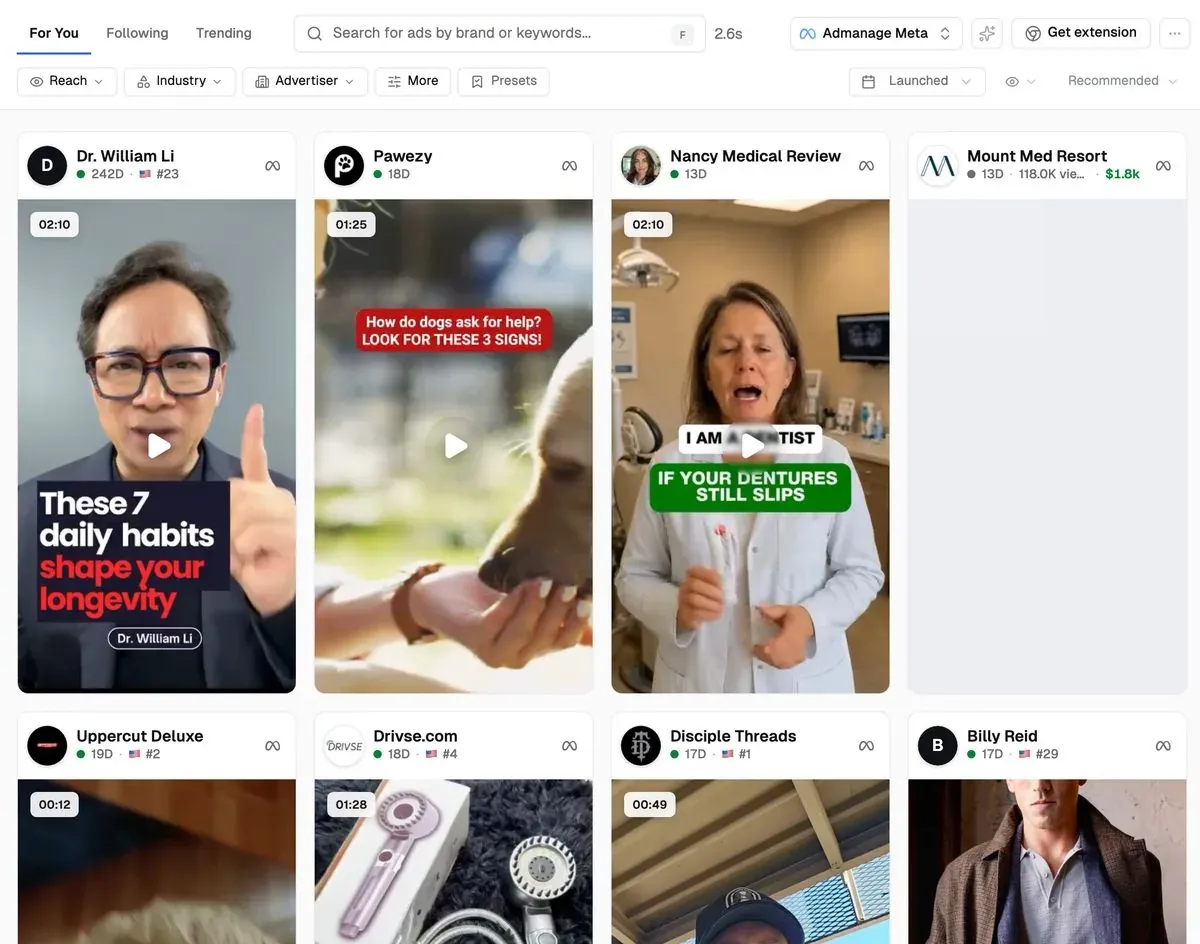
AdScan product screenshot. Displayed estimates and library coverage should be read using the product's labels and methodology.
It is a practical fit for a buyer who needs a useful reference set and a way to turn the resulting creative into a launch. Teams using an assistant can also access supported AdScan research tools through AdManage MCP. AdScan overview and MCP setup.
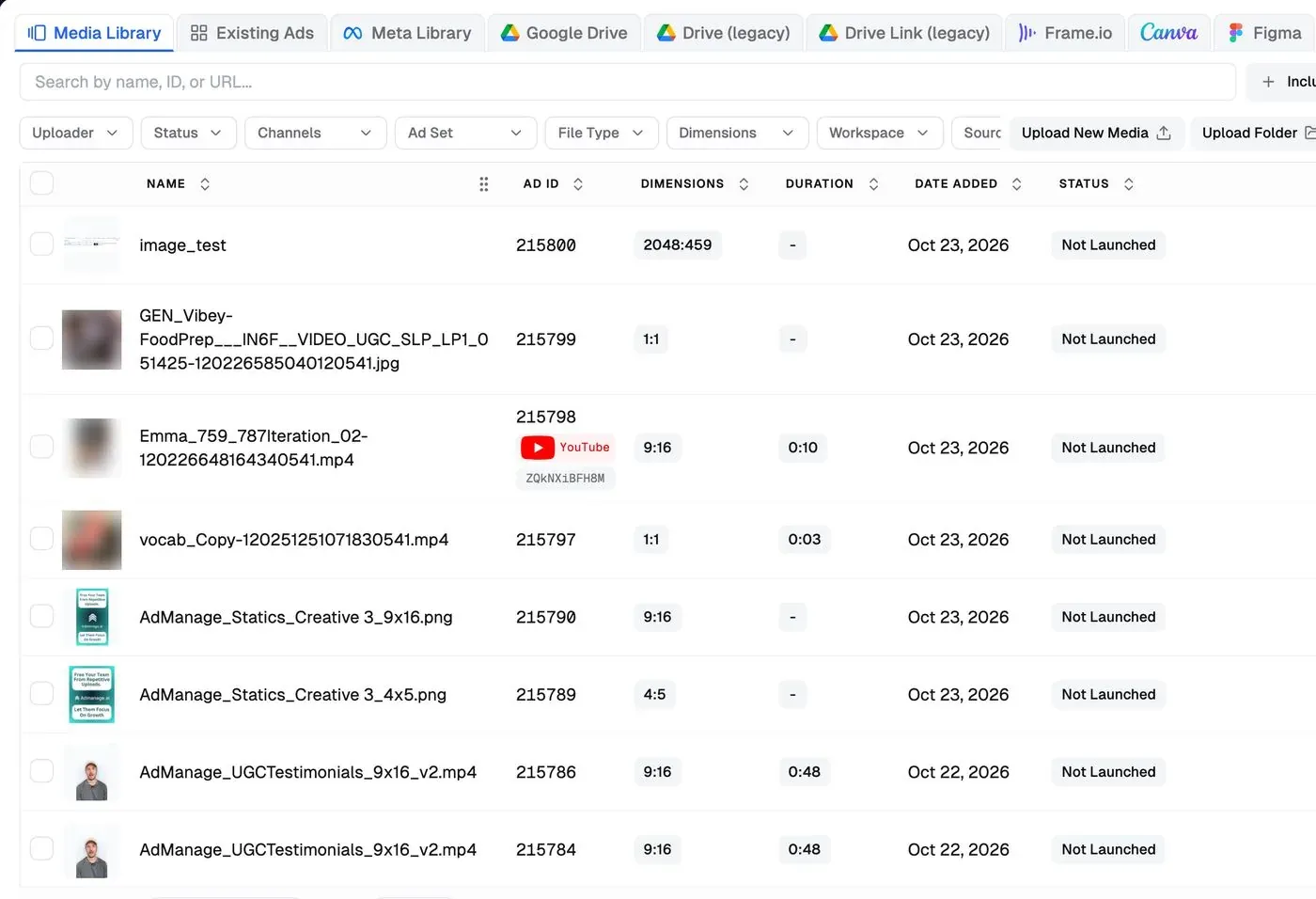
Check first: Search the brands and creative categories you actually work on. Where estimated spend is shown, treat it as an estimate rather than an advertiser's billed spend. A long-running ad or a reach signal can help prioritize a review; neither establishes ROAS.
3. Foreplay: a shared swipe file and briefing workspace
Foreplay combines saved inspiration, discovery and briefing. Its current Basic plan lists $59/month for one user, with additional seats priced separately. The pricing page describes saved ad references, a discovery database and shareable briefs; check the selected tier for competitor tracking and other products.
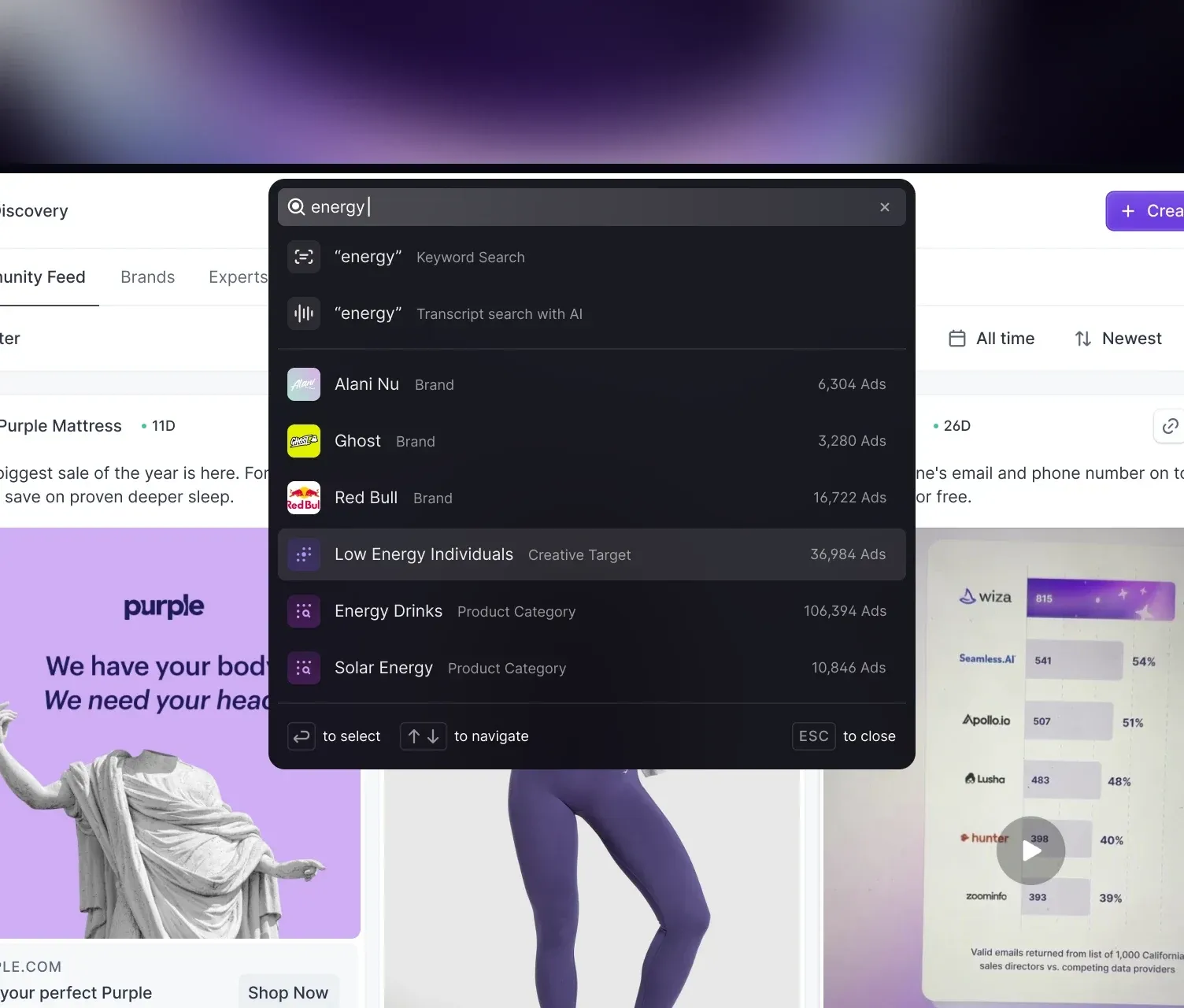
Product image from Foreplay's official website, retrieved 5 November 2026. Shown as published by the vendor.
Use it for: A creative team that wants to collect, organize and hand off references. Check first: Whether the plan includes the tracking workflow and team access you need, not just saving ads. Bring a designer or strategist into the trial and test the actual handoff. Official pricing and feature list.
4. Atria: research connected to AI creative work
Atria combines research with AI-assisted creative work and account-related capabilities. Its current plans expose limits for followed brands, seats, connected accounts, AI credits and API/MCP usage. Those limits are more useful to a buyer than an isolated promotional monthly figure.
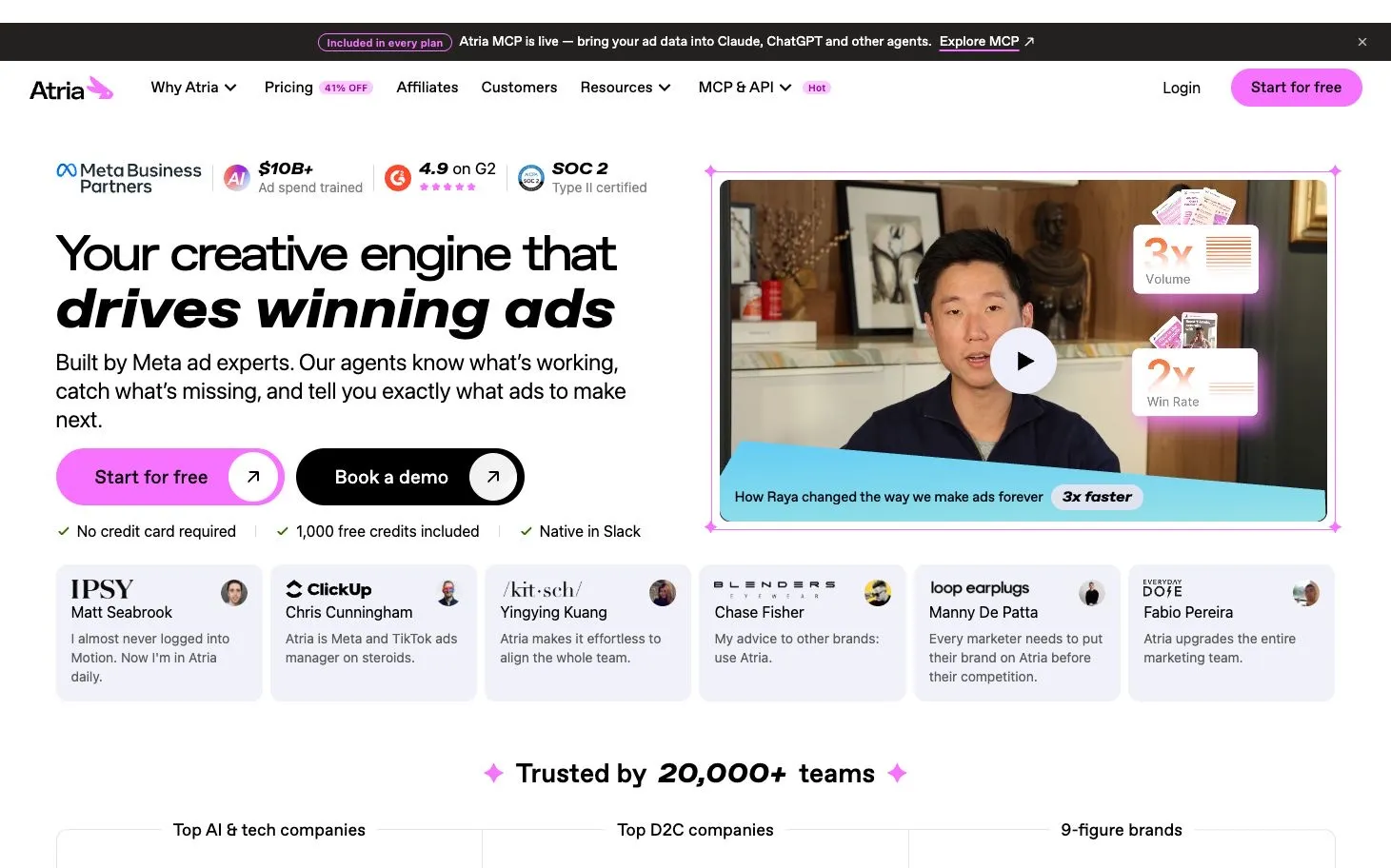
Atria website capture from our comparison library. Current product and pricing links use tryatria.com.
Use it for: A team evaluating research and AI-supported creative planning together. Check first: How much of your actual workflow consumes credits, which brand insights are available in your tier and whether your expected API or MCP usage fits the allowance. Compare the full billing term when an annual promotion is shown. Product and current plans.
5. AdSpy: detailed Facebook and Instagram searches
AdSpy describes searches across ad text, URLs, Page names and other filters, including ad comments and landing-page-related criteria. It is worth evaluating when your research starts with a specific phrase, offer, advertiser or type of landing page.
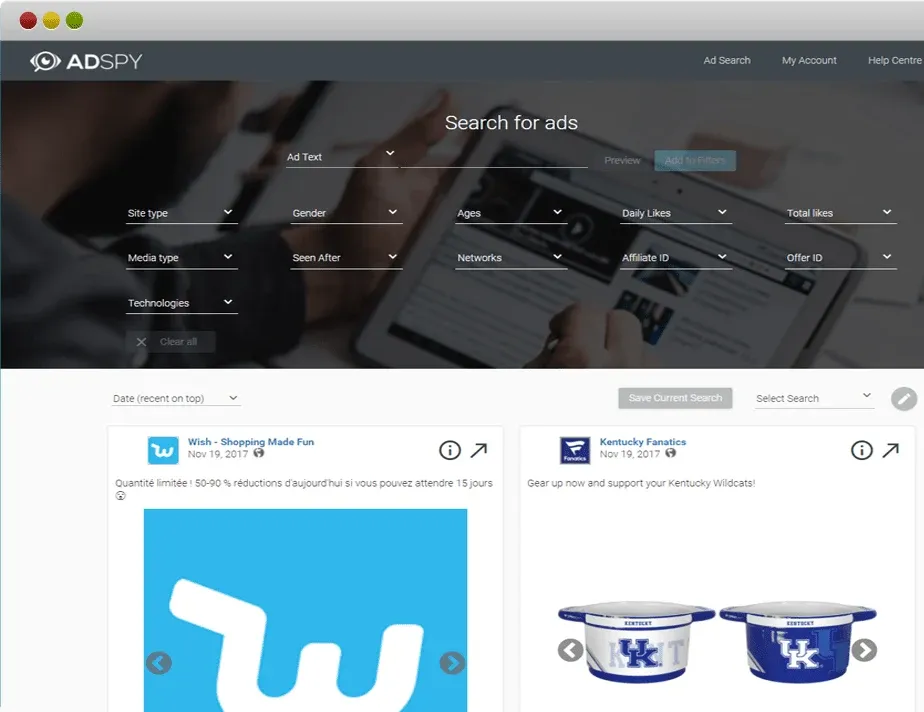
Product image from AdSpy's official website, retrieved 5 November 2026. Shown as published by the vendor.
Its public homepage advertises $149/month, labelled as an introductory offer. Confirm the checkout terms and current availability rather than assuming an old screenshot fixes the price forever. Official product and pricing.
Use it for: Search-driven investigation of Facebook and Instagram advertising. Check first: Whether results are relevant and recent for your market. A large overall library is less useful than a reliable set of results for the competitors and categories you need.
6. Minea: ecommerce and product discovery
Minea presents its workflow around advertising, shops and product discovery. That focus makes it a useful shortlist for ecommerce research, especially when the question includes what products or offers a store is promoting.
Use it for: A store operator or researcher investigating products and advertising together. Check first: The selected plan's search limits, credits and platform coverage, plus whether the market and ad types you need are represented. Separate a vendor's product opportunity signal from evidence that the economics will work for your own store. Official product site.
7. BigSpy: research across multiple advertising networks
BigSpy's public site organizes discovery across several networks and includes ad, Page and domain-related research surfaces. It can be a useful option when your research extends beyond Facebook and Instagram.
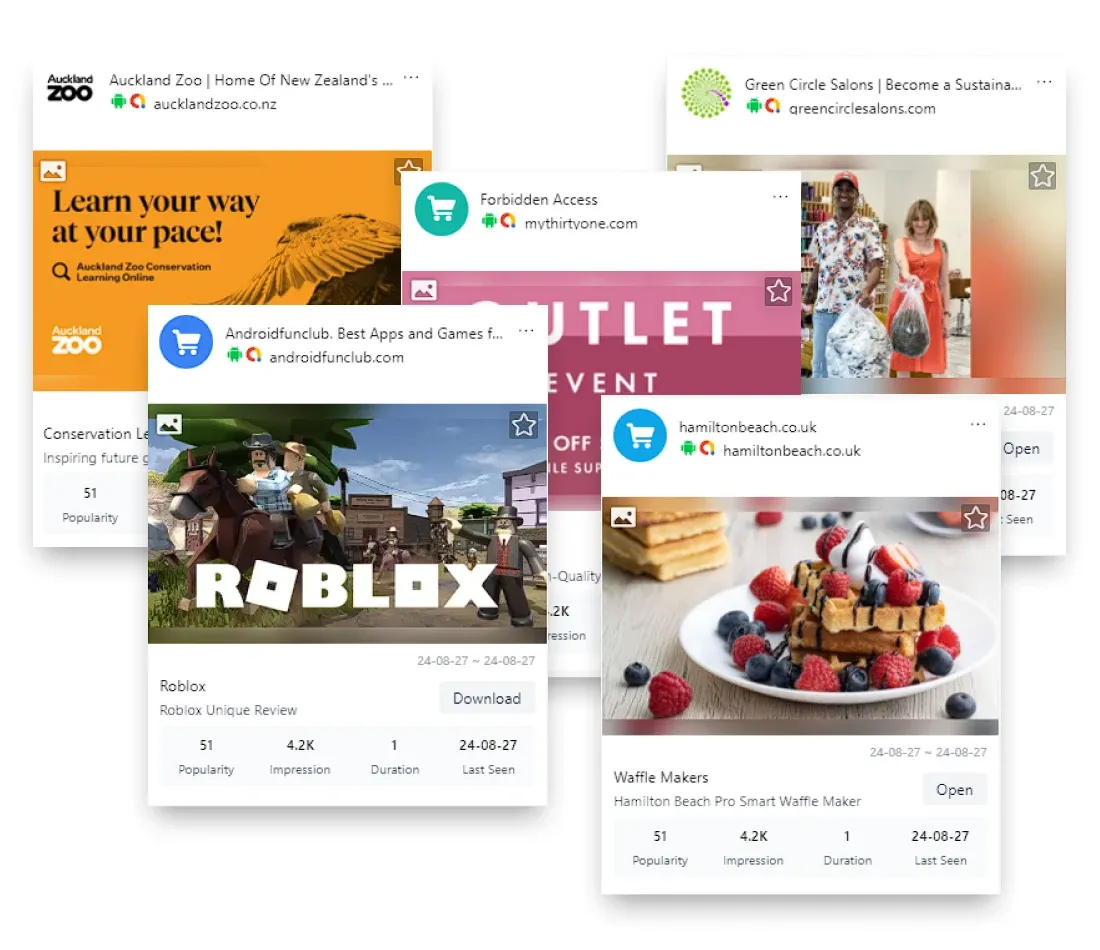
Product image from BigSpy's official website, retrieved 5 November 2026. Shown as published by the vendor.
Use it for: Exploring creative and advertiser activity across more than one network. Check first: Whether the networks, filters, detail views and exports you need are included in the selected plan. A platform name on a homepage does not tell you the depth of the data available for your specific query. Official site and plan links.
Do not choose on library size alone
Counts can describe different things: active ads, archived creatives, variations, platforms, collected advertiser records or community saves. They can also change quickly.
Run the same practical task in each candidate tool. Search a few known competitors, open the source ads where possible, save useful references and ask a teammate to find them again. Record missing brands, stale links and the amount of cleanup needed.
The test is whether the tool helps the team make a better next decision. A huge library that returns the wrong kind of creative for your brief can create more work than a smaller relevant collection.
A research workflow that produces a brief
1. Start with one question
Choose a question narrow enough to answer in a working session. For example: which product objections are competitors addressing in short video, or how are similar products demonstrating their use?
Write down the audience, product, market and format. These constraints keep the search from turning into a general tour of interesting ads.
2. Build a small reference set
Collect a manageable set of relevant references. Save the original link, advertiser, observation date, format, hook, offer and landing-page destination where available.
Keep observations separate from interpretations. “The opening frame shows the product being used” is an observation. “This is their most profitable ad” is a claim you usually cannot establish from public creative alone.
3. Group the ideas, not just the brands
Group references by the job they do: product demonstration, objection handling, comparison, social proof, offer explanation or a specific problem statement.
A board organized only by competitor makes you repeat their structure. A board organized by creative purpose gives your own team a set of questions it can answer differently.
4. Write the original angle
Choose the idea you want to test, then identify the proof your product can honestly provide. Use your own footage, approved customer evidence or a demonstration you can reproduce.
Study the mechanism of a reference: the sequence, framing or information it makes clear. Create original copy and assets for your product rather than copying another advertiser's branding, testimonials or creative.
5. Hand over a complete brief
Use this template:
- Audience and problem: Who is the ad for, and what should they recognize immediately?
- Idea to test: One clear angle, with the reason it is relevant to this audience.
- Reference links: The ads that inspired the structure, each with an observation date.
- Product proof: The demonstration or evidence your brand can actually show.
- Opening options: A few original hooks, not copied lines from the references.
- Format and deliverables: Aspect ratios, approximate length, copy variants and required source files.
- Landing page and offer: The destination and the approved claim or commercial offer.
- Review owner: Who checks accuracy and who approves the finished creative?
That is enough structure for a designer, editor or creator to begin without guessing what the board was supposed to mean.
6. Launch and learn from your own results
Once the creative is approved, build the test in your launch workflow. Check the destination, tracking, account, format and placement variants before enabling delivery.
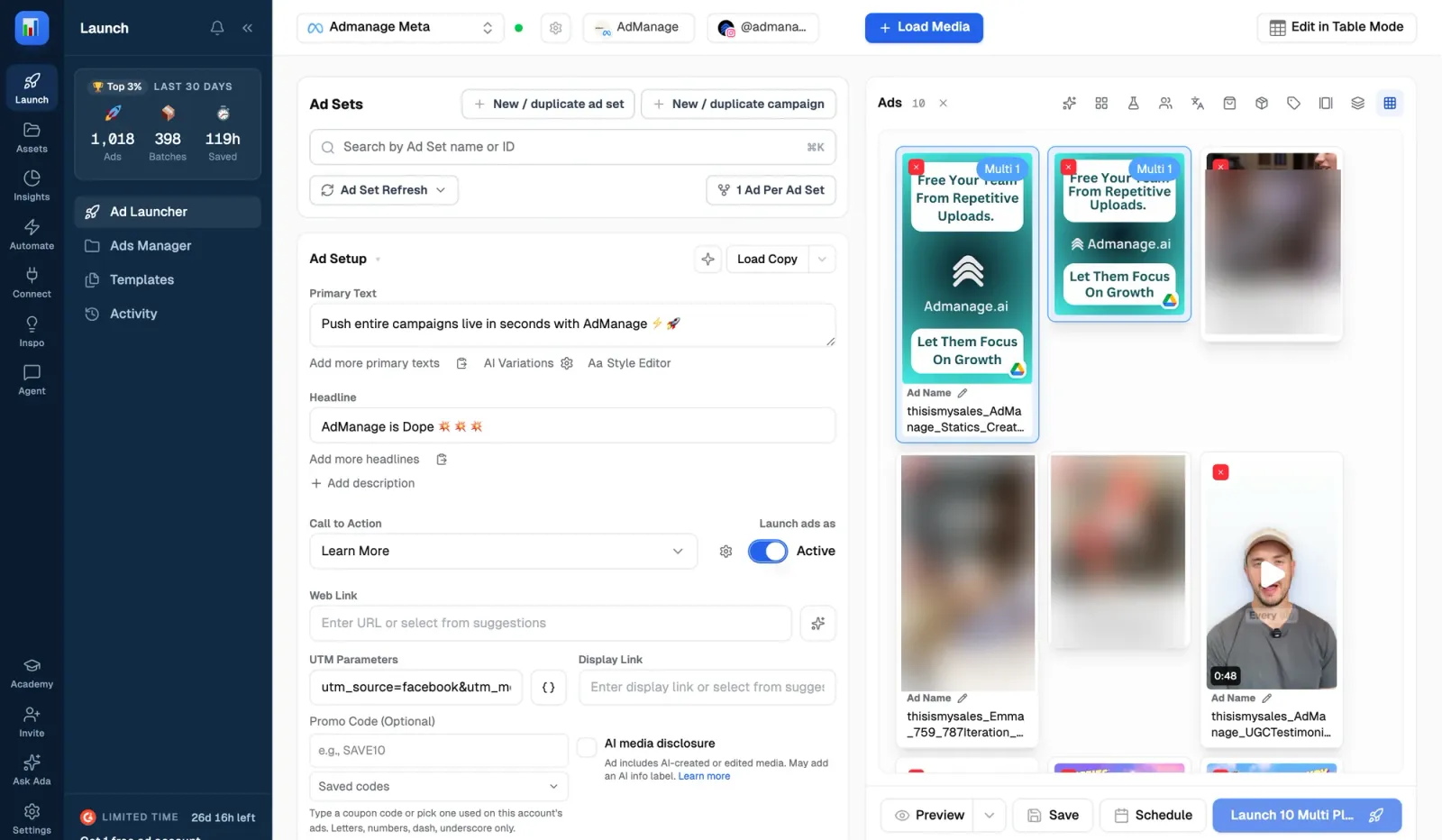
Judge the result using your own campaign data and a defined comparison. Public competitor activity helped generate a hypothesis; your test is where you learn whether the idea works for your audience and offer.
Frequently asked questions
What is the best free Meta ad research tool?
Start with Meta Ad Library for the platform's own active-ad record. A paid research workspace becomes useful when you need organization, tracking, collaboration, an archive or a more efficient path from references to briefs.
Is AdScan included in AdManage?
AdScan is the ad-research product inside AdManage. Use the current product overview and pricing to check available research and AI entitlements for the plan you are considering.
Can ad spy tools show a competitor's real ROAS?
Public ad creative, longevity and third-party estimates do not reveal a complete advertiser profit-and-loss or attributed sales record. Treat the data as research signals and validate your own economics through your own campaigns.
Can I do ad research from Claude or ChatGPT?
AdManage MCP exposes supported AdScan research tools to compatible AI assistants. Start with read access, ask for source links and review the shortlist before turning it into a brief. See the published Claude setup guide.
How many reference ads should I save?
Save enough to identify a useful pattern and support a specific brief. More saved ads are not automatically a better brief. A small relevant set with clear observations is easier to act on than an unfiltered collection.

About the author
Cedric Yarish
Co-founder of AdManage.ai