Facebook Reels Ads vs Feed Ads: Pros, Cons and When to Use Each
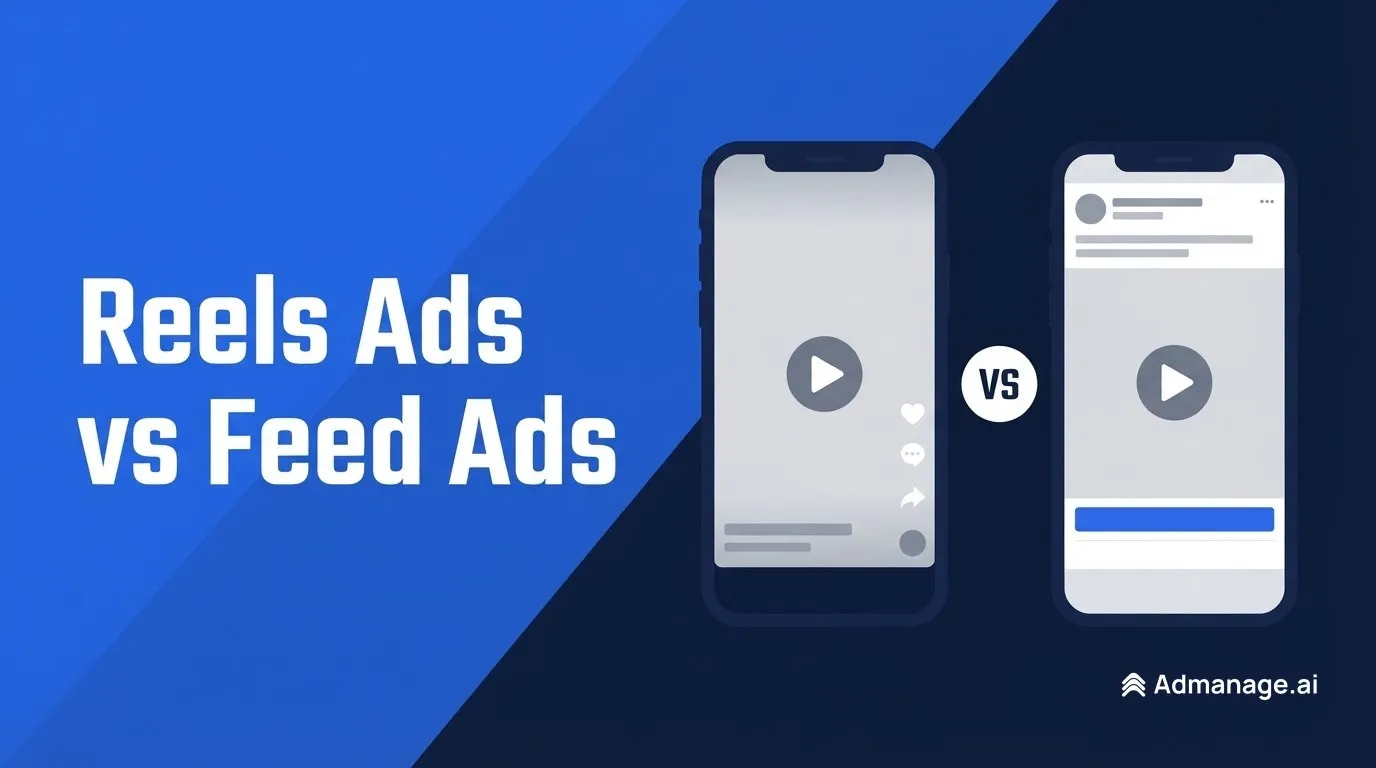
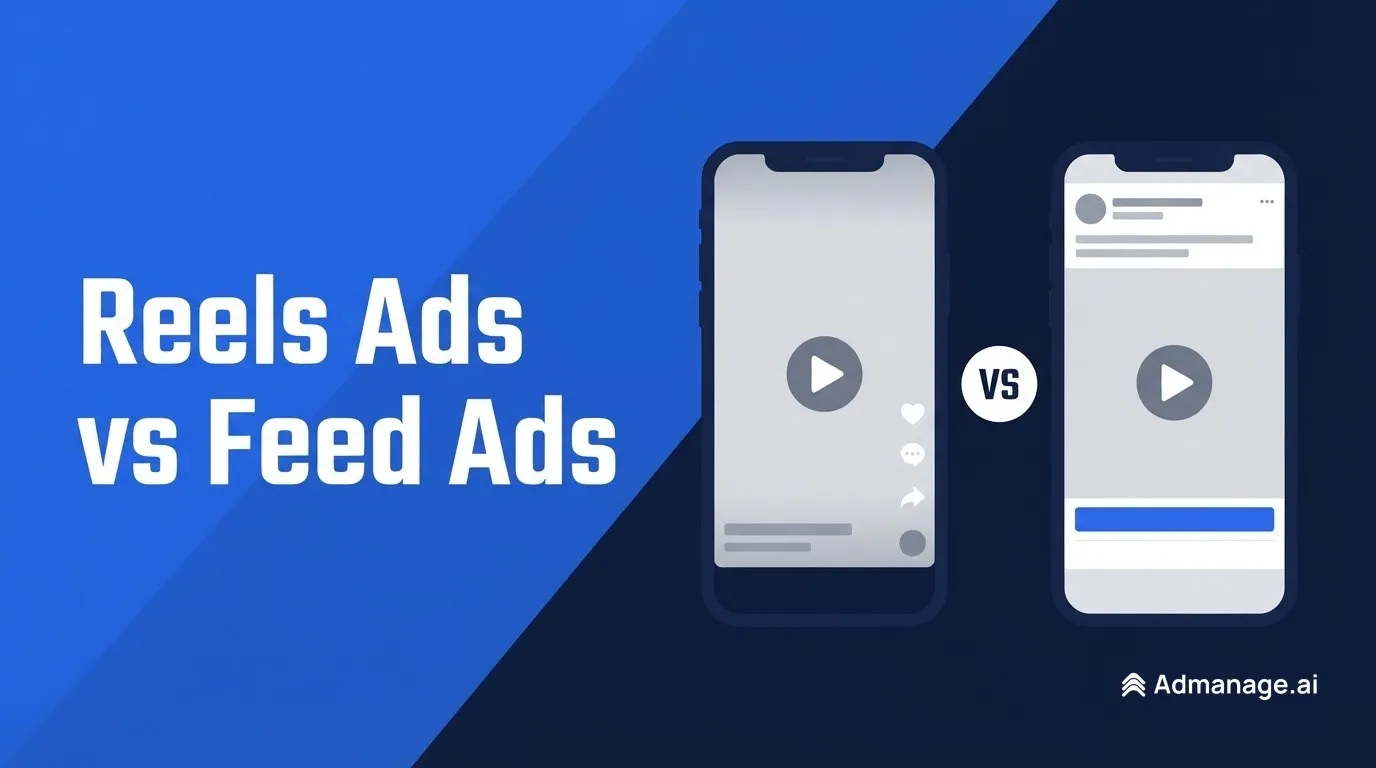
Facebook Reels ads run full screen between short vertical videos. People watch with the sound on and scroll quickly. Feed ads appear between posts in the main Facebook Feed, where people read captions, see a headline and a call-to-action button, and tap through at their own pace.
Neither placement wins for every account. Reels suit vertical, sound-on video that hooks people in the first seconds. Feed suits offers that need a headline, a longer caption or a product image. Most advertisers get the best results by running both in the same ad set, with creative built for each, and then reading cost per result by placement.
What is the difference between Reels ads and Feed ads?
Both are placements you pick at the ad set level in Meta Ads Manager. Meta lists Facebook Feed, Facebook Reels and Ads on Facebook Reels as separate placements in its Ads Guide. In the list:
- Facebook Reels is a full-screen vertical ad that plays between Reels, like an organic Reel.
- Ads on Facebook Reels are overlay ads shown on top of creators' Reels, a different format.
- Facebook Feed shows your ad as a post in the main Feed, with primary text above the media and a headline and button below it.
The practical difference is context. A Reels viewer is in a lean-back video mode. A Feed viewer is browsing posts and has more room to read.
Reels vs Feed ad specs
| Spec | Reels (Meta Ads Guide) | Facebook Feed (Meta Ads Guide) |
|---|---|---|
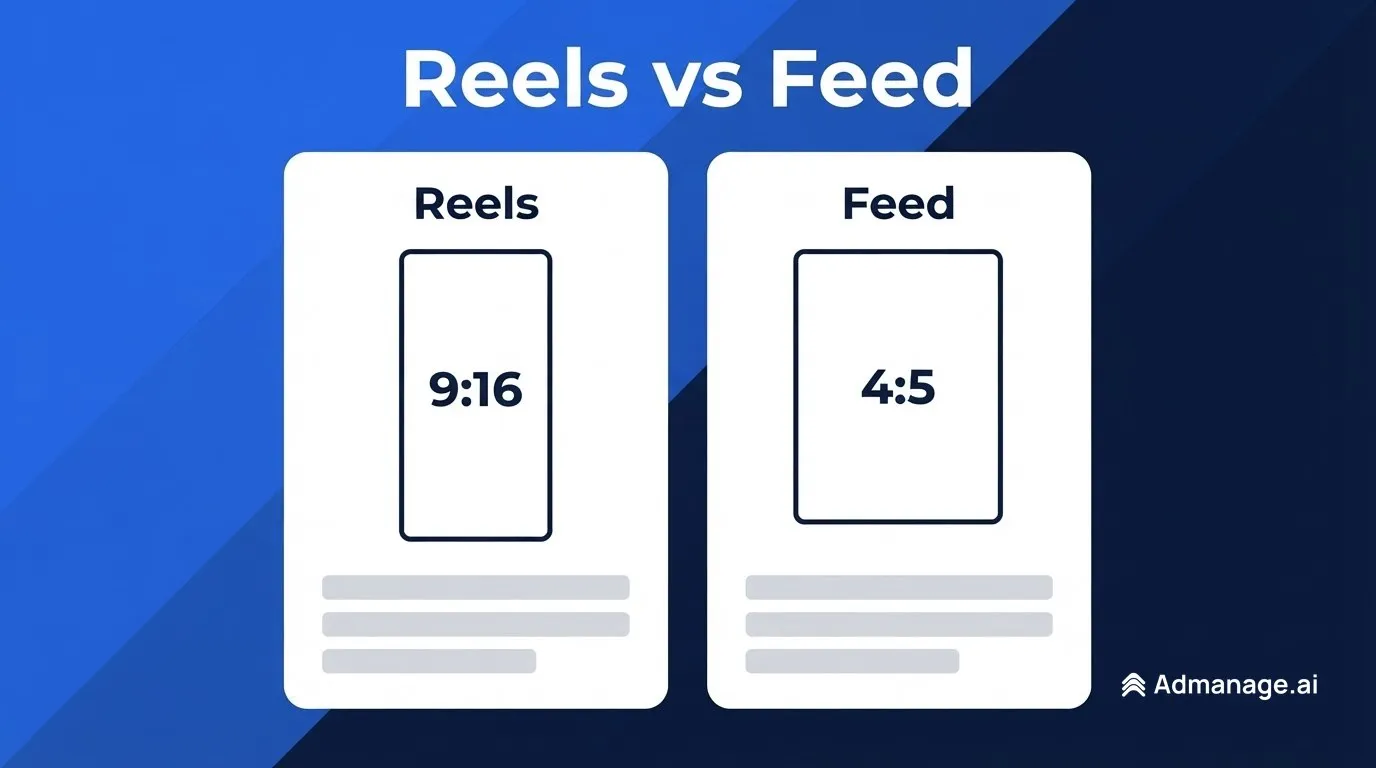
| Recommended aspect ratio | 9:16 | 4:5 |
| Recommended resolution | 1440 x 2560 px | 1440 x 1800 px |
| Video file types | MP4, MOV | MP4, MOV, GIF |
| Video length | 0 seconds to 15 minutes | 1 second to 241 minutes |
| Max video file size | 4 GB | 4 GB |
| Primary text | 44 characters | 50–150 characters |
| Headline | Not listed | 27 characters |
| Safe zone | Keep 14% top, 35% bottom, 6% sides clear | Not applicable |
Sources: Meta's Instagram Reels video specs, Instagram Reels image specs, Facebook Feed video specs and Facebook Feed image specs. Meta's guide lists Facebook Reels as a placement but did not show a separate Facebook Reels spec page when we checked. The Reels figures above are from the Instagram Reels pages, and both Reels placements use the same 9:16 full-screen format. Confirm in the Ads Manager preview before you export.
The safe zone matters most. In Reels, the profile name, caption and call-to-action button sit over the bottom of the video. Meta advises leaving roughly the bottom 35% free of text and logos. A Feed ad keeps its text outside the media, so the whole frame is usable.
For carousel sizes, see our guide to Meta carousel ad specs.
Pros and cons of Facebook Reels ads
Pros
- Full-screen attention. A 9:16 video fills the phone screen, with no other posts competing next to it.
- Sound-on viewing. In its 2024 Reels ads guide, Meta says over 75% of Reels views on Instagram are sound on. That makes music, voiceover and sound effects part of the ad.
- Large and growing inventory. Meta reported in October 2023 that Reels plays exceed 200 billion per day across Facebook and Instagram, and in the same 2024 guide that 3.5 billion reels are shared daily.
- Meta's own data favours native Reels creative. In the October 2023 update, Meta said direct response Reels ad sets with vertical, sound-on video showed 4.8% lower cost per action, 5.1% higher click-through rate and 2.9% higher conversion rate than other video types.
Cons
- Needs its own creative. A square or landscape video looks small in Reels, and text near the bottom gets covered. You need a 9:16 cut with a hook in the first seconds.
- Less room for copy. Meta's Reels spec lists a 44-character primary text recommendation, against 50–150 characters for Feed, so the video has to carry the message.
- Fast scrolling. People swipe past a Reel quickly if the opening does not grab them, so weak openings waste impressions.
Pros and cons of Facebook Feed ads
Pros
- More ways to explain the offer. Feed ads show primary text, a headline and a call-to-action button, so price, offer and benefit can sit in text next to the media.
- Works with images and many formats. A single image, carousel or 4:5 video all fit the Feed naturally. That makes it a good home for product catalogues and static creative.
- Easier to reuse existing assets. A 4:5 or 1:1 asset you already have works without re-editing.
Cons
- More competition on screen. Your ad sits between friends' posts, Pages and other ads, with less of the screen than a full-screen Reel.
- Footer can be hidden. Meta's Feed video specs note that with the awareness objective, or performance goals such as maximising reach, the headline, description and button aren't shown on mobile Feed.
- Vertical video gets cropped. A 9:16 video shown in Feed is cropped toward 4:5, so keep the key action in the centre if you reuse a Reels cut.
Do Reels ads cost less than Feed ads?
There is no universal answer, and Meta does not publish a Reels vs Feed cost benchmark. Costs depend on your audience, objective, creative and season. The Facebook ad cost benchmarks and CPM by industry guides cover the factors.
What Meta has published points one way: creative built for Reels tends to cost less in Reels. Besides the 4.8% lower cost per action for vertical sound-on video (October 2023), Meta's 2024 guide reports 2x higher delivery to the Reels placement for campaigns using 9:16 video with audio and key messages in the safe zone. That figure comes from a sample of 4 million campaigns opted in to Reels, March to May 2024. Both are Meta's own analyses, so treat them as a direction, not a promise for your account.
A low CPM on its own is not the goal either. Compare cost per result (purchase, lead or install) by placement. A placement with cheap impressions and few conversions can cost more per sale.
Should you run Reels and Feed ads together?
Usually, yes. Meta's Reels ads guide recommends building for vertical, building with audio and keeping key messages in the safe zone. It also says to check that your objective and optimisation goal support Reels before you build. Running both placements in one ad set lets Meta's delivery system shift budget toward whichever placement gets results more cheaply.
The trick is to give each placement the right file. In Ads Manager you can customise assets by placement: one ad, with a 9:16 video for Reels and Stories and a 4:5 version for Feed. Meta has also said it offers automatic templates that convert non-9:16 media to 9:16, but a purpose-built vertical edit gives you control over the hook and the safe zone.
Separate Reels and Feed into their own ad sets only when you have a reason, such as testing a Reels-only creative concept or reporting to a client by placement.
How to test Reels ads vs Feed ads
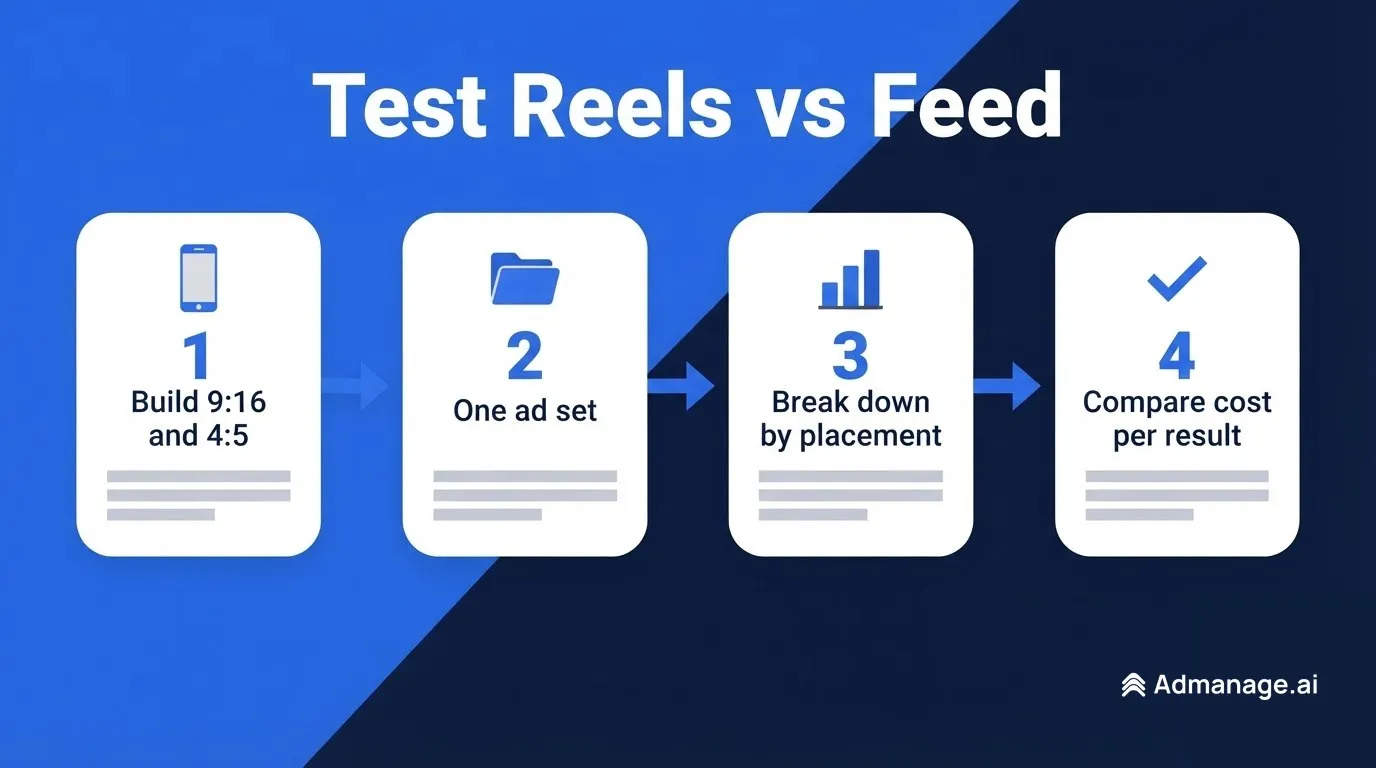
- Build two cuts of each concept. Export a 9:16 version (hook in the first seconds, text clear of the bottom 35%) and a 4:5 version with the offer stated in the primary text and headline.
- Put both in one ad set with Reels and Feed placements on, using placement asset customisation so each placement gets its own file.
- Let it spend. Give the ad set enough budget to exit the learning phase before you judge it.
- Break down by placement. In Ads Manager, open Breakdown → By delivery → Placement and compare cost per result, click-through rate and conversion rate for Facebook Reels and Facebook Feed.
- Act on the winner. If one placement carries most of the results, make more creative in that format. Don't just switch the other placement off.
Creative volume decides most of these tests. The more 9:16 and 4:5 variations you can launch, the faster you find a hook that works in each placement.
What changed for Reels and Feed ads in 2024 and 2025
- Meta's Reels ads guidance (November 2024). The developer blog post summarised the three creative rules (vertical, audio, safe zone) and the 2x delivery finding above.
- Reels formats grew. Meta's October 2023 update added collection ads and multi-destination carousel ads in Reels, plus creative tools that adapt non-vertical media to 9:16.
- Specs moved to higher resolutions. Meta's Ads Guide now recommends 1440 x 2560 px for Reels and 1440 x 1800 px for 4:5 Feed assets.
If you post organic Reels as well, our guide to the best time to post Reels covers timing. For a cross-platform view, read Facebook ads vs TikTok ads.
Frequently asked questions
Are Facebook Reels ads better than Feed ads?
Not by default. Reels work best with native vertical, sound-on video. Feed works best when the offer needs a headline, longer copy or a product image. Test both in one ad set and compare cost per result by placement.
What size should a Facebook Reels ad be?
Meta recommends a 9:16 aspect ratio at 1440 x 2560 pixels. Keep roughly 14% of the top, 35% of the bottom and 6% of each side free of text and logos.
What size should a Facebook Feed ad be?
Meta's Ads Guide recommends 4:5 at 1440 x 1800 pixels for both images and video in Facebook Feed.
Can I use the same video for Reels and Feed?
You can, but it usually underperforms. A vertical video gets cropped in Feed, and a 4:5 video looks small in Reels. Use placement asset customisation to give each placement its own cut.
Are Reels ads cheaper than Feed ads?
Sometimes. Meta reports lower cost per action for vertical, sound-on video in Reels compared with other video types, but there is no official Reels vs Feed benchmark. Check cost per result, not CPM, in your own placement breakdown.
Do Reels ads show on Instagram too?
Only if Instagram Reels is selected too. Meta's Ads Guide lists Facebook Reels and Instagram Reels as separate placements, so check both when you set placements.
Launch every Reels and Feed variation in minutes
Testing Reels against Feed means more versions of every ad: a 9:16 cut, a 4:5 cut, different hooks and different copy. Building them one by one in Ads Manager takes hours.
AdManage lets performance teams bulk-launch hundreds of Meta ads from a folder or spreadsheet, with placement-specific creative, naming conventions and UTMs handled for you. See how it compares in our roundup of bulk Meta ad launch tools, or start a free trial.