
How to Fix the “Authenticate Your Account” Error in Meta Ads Manager
If you’ve ever seen this message while launching or updating ads, you’re not alone:
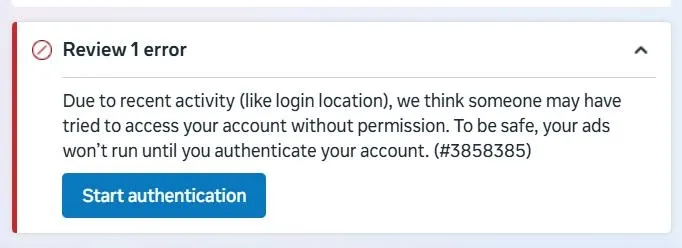
“We think someone may have tried to access your account without permission. For your protection, you won’t be able to create or modify ads until you authenticate your account in Ads Manager.”
What makes this error especially frustrating is that re-authenticating your token or checking permissions often doesn’t fix it. Your ads keep failing, even though everything looks correct.
After digging through real-world cases (and resolving it ourselves), here are the strategies that actually work.
Why This Error Happens
This is not usually a token or API issue.
Instead, this is a security lock at the ad account level triggered by Meta when it detects:
Unusual activity
Automated ad changes
Cross-account ad launches
New apps or integrations creating ads at scale
When this happens, Meta silently blocks new ad creation and edits until a manual authentication step is completed — but it doesn’t always surface that step clearly.
Strategy 1: Trigger the Authentication Banner from Ads Manager (Most Reliable)
This is the cleanest and fastest fix.
Steps:
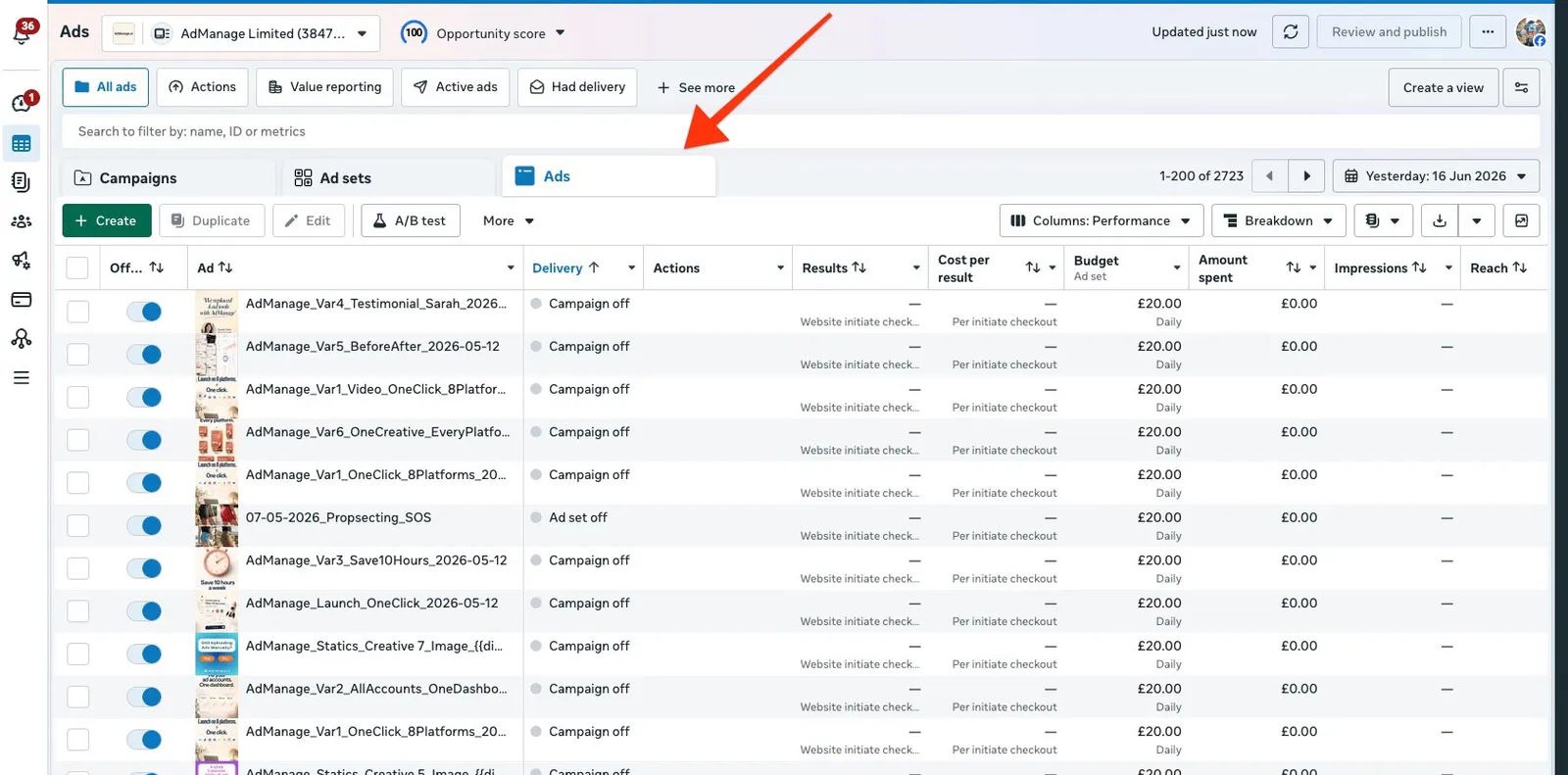
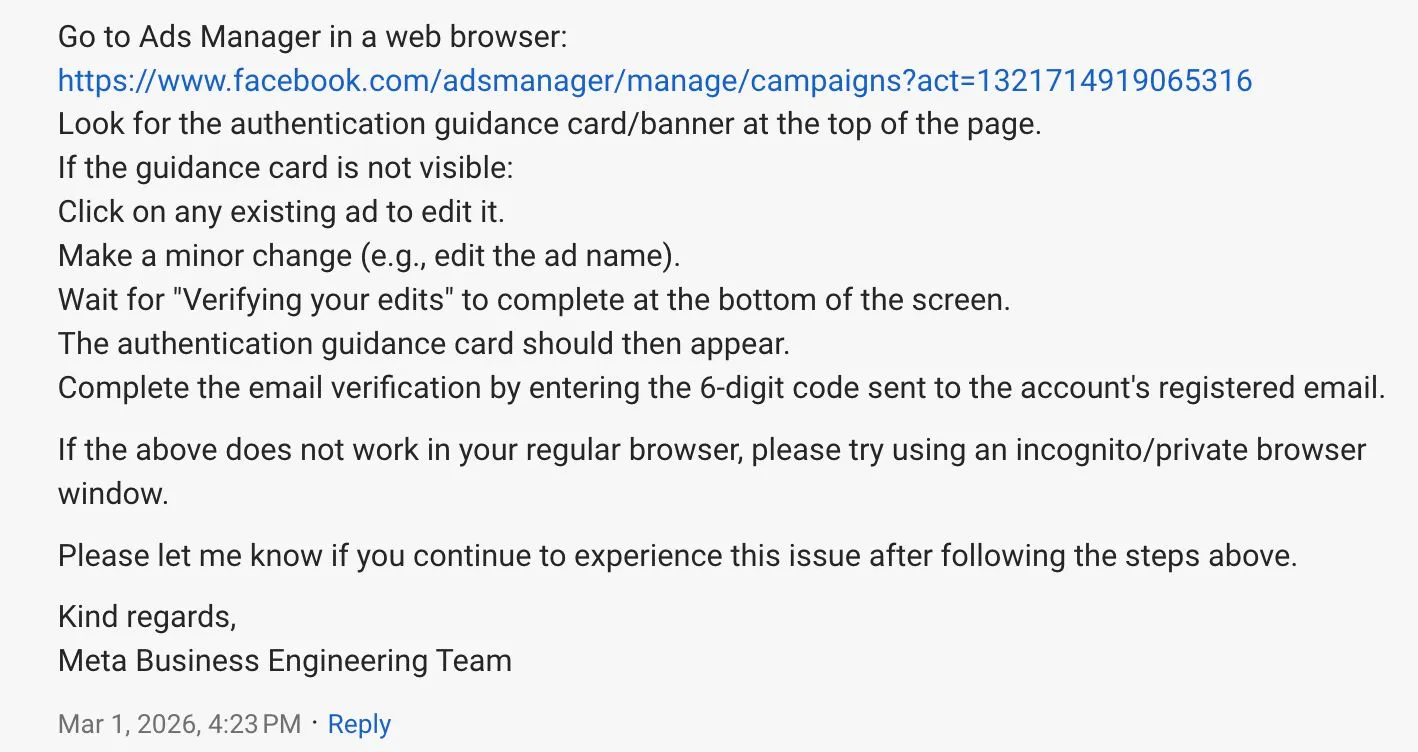
Go to the main dashboard of Meta Ads Manager
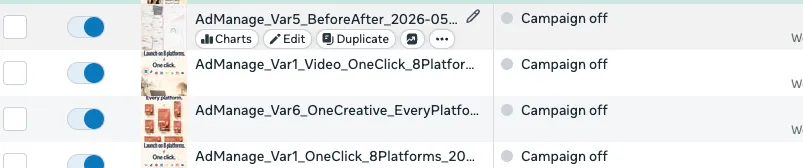
Drill down into:
Campaign → Ad Set → Ad
Look at the top-right corner of the page
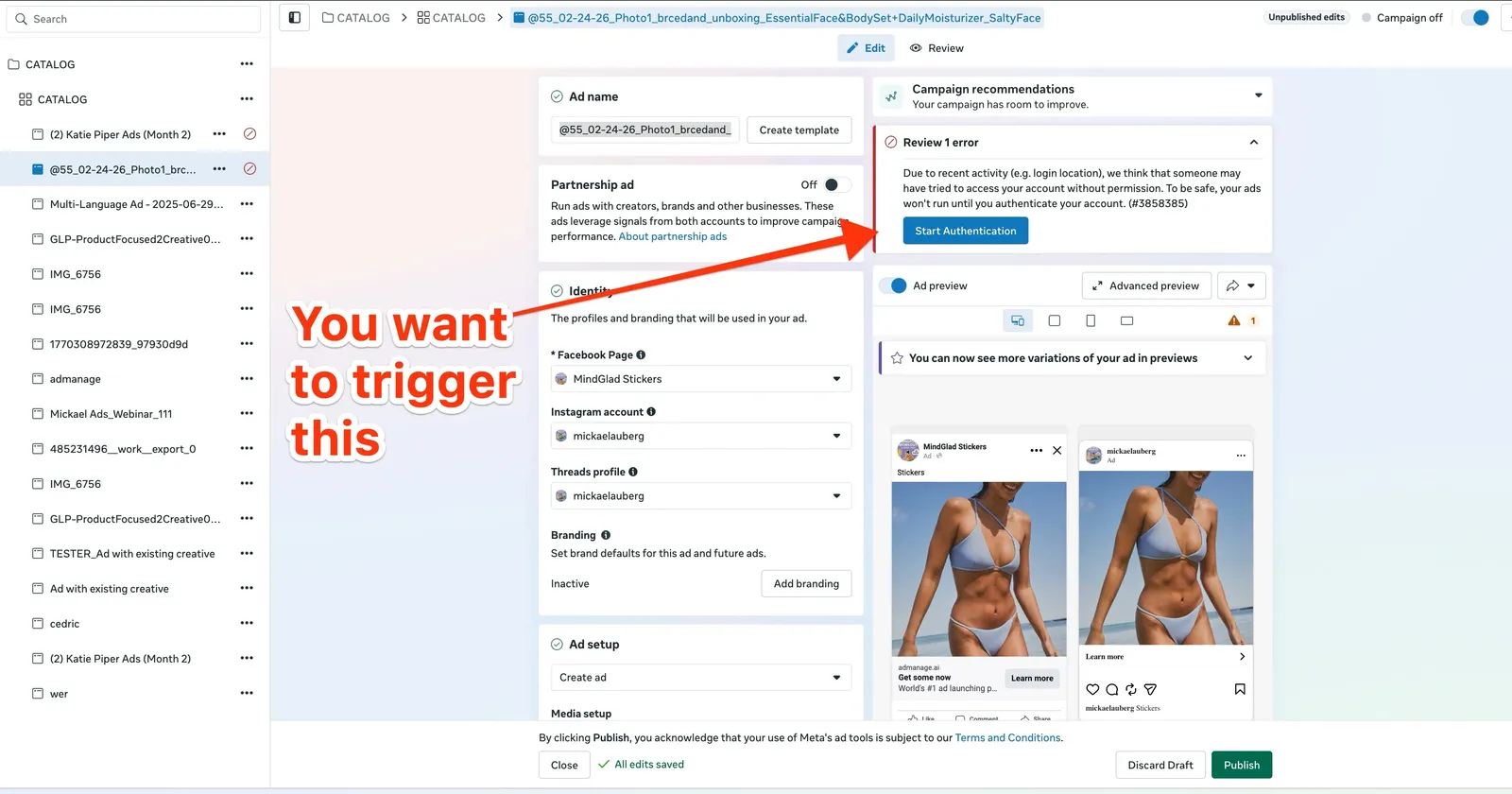
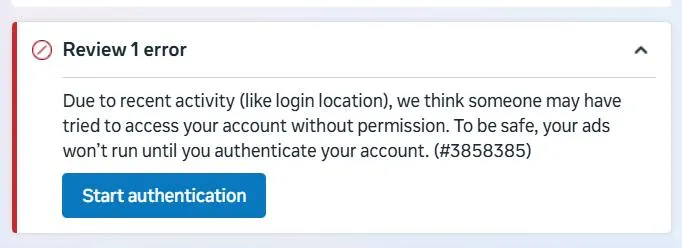
You should see the same error — but now with a “Start Authentication” button
Click it and complete the email verification flow
Once verified, your ads can be published immediately
👉 This banner does not always appear unless you’re viewing the ad directly.
Strategy 2: Make Any Small Change to an Ad (Forces the Prompt)
If you don’t see the authentication option yet, you need to force Meta to re-check your account state.
What to do:
Edit anything in the campaign:
Ad copy
Headline
Description
Budget (even +£1)
Save the change
Try publishing again
Once you do this, Meta often:
Re-detects the security state
Surfaces the email verification prompt
Allows you to authenticate and publish successfully
This works because Meta only exposes the verification flow during a write action.
Strategy 3: Edit the Ad (Not the Ad Set)
Many people try editing ad sets or campaigns and see no change.
What consistently works better:
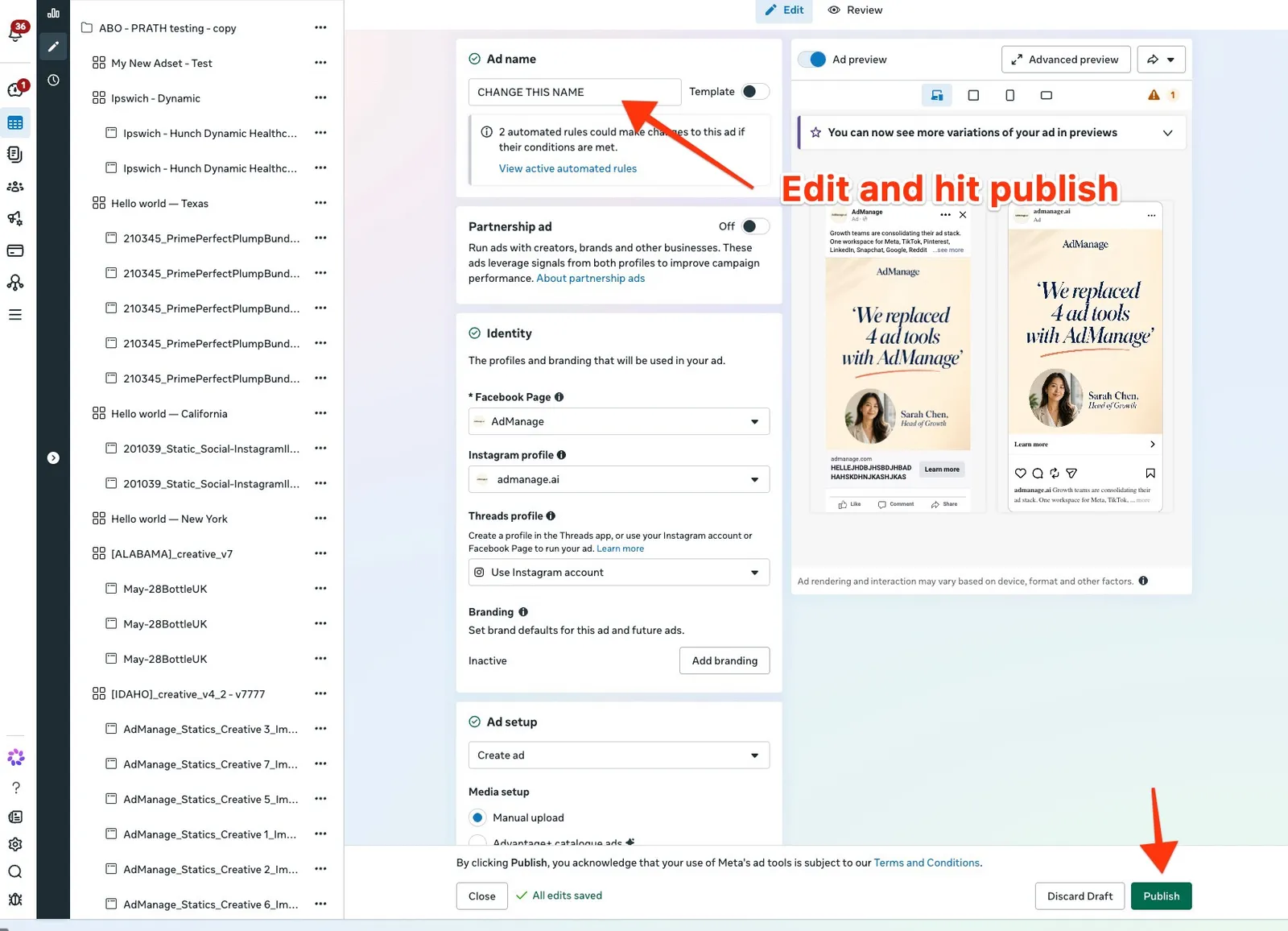
Edit the ad creative itself
Change copy, CTA, or headline
Save → publish
Once the ad is modified, an email verification modal often appears immediately.
After entering the code:
Ads publish successfully
Future edits work normally
Why Token Logic Looks “Fine” (And Still Fails)
A common trap is spending hours debugging:
Access tokens
App scopes
System users
Permissions
In most cases:
Tokens are valid
Scopes are correct
API calls succeed except for ad creation
That’s because this block is not enforced at the API level alone — it’s enforced at the account security layer, which requires human verification via Ads Manager UI.
What Doesn’t Usually Work
Based on real reports and testing:
❌ Re-logging into Facebook
❌ Regenerating access tokens
❌ Removing and re-adding users
❌ Waiting (sometimes days pass with no change)
❌ Only checking error logs via API
If you don’t complete the email verification flow, the block often remains.
Summary: The Fastest Way to Fix It
If you’re stuck:
Open Meta Ads Manager
Navigate directly into the ad
Make any small edit
Look for “Start Authentication”
Complete email verification
Publish successfully
Then re-authenticate onAdmanage.ai to make sure it all works
This single flow has resolved the issue for most people experiencing this error — especially when ads are created or edited programmatically.
🚀 Co-Founder @ AdManage.ai | Helping the world’s best marketers launch Meta ads 10x faster
I’m Cedric Yarish, a performance marketer turned founder. At AdManage.ai, we’re building the fastest way to launch, test, and scale ads on Meta. In the last month alone, our platform helped clients launch over 250,000 ads—at scale, with precision, and without the usual bottlenecks.
With 9+ years of experience and over $10M in optimized ad spend, I’ve helped brands like Photoroom, Nextdoor, Salesforce, and Google scale through creative testing and automation. Now, I’m focused on product-led growth—combining engineering and strategy to grow admanage.ai